Bootstrap 5 Full Height Swiper Slider with Smooth Transitions
<!DOCTYPE html>
<html lang="en">

<head>
    <meta charset="UTF-8">
    <meta name="viewport" content="width=device-width, initial-scale=1.0">
    <title>Bootstrap 5 Full Height Swiper Slider with Smooth Transitions</title>
    <link href="https://cdn.jsdelivr.net/npm/bootstrap@5.3.3/dist/css/bootstrap.min.css" rel="stylesheet">
    <link rel="stylesheet" href="https://cdn.jsdelivr.net/npm/bootstrap-icons@1.11.3/font/bootstrap-icons.css">
    <link rel="stylesheet" href="https://cdnjs.cloudflare.com/ajax/libs/Swiper/11.0.5/swiper-bundle.min.css">
</head>

<body>
    <div class="swiper swiper_slider_1">
        <div class="swiper-wrapper">
            <div class="swiper-slide">
                <div class="slider_inner">
                    <div class="img">
                        <img src="https://cdn.pixabay.com/photo/2020/11/24/10/37/city-5772121_1280.jpg" alt="">
                    </div>
                    <div class="container heading">
                        <h1>City Vista</h1>
                        <h6>Metropolis</h6>
                    </div>
                </div>
            </div>
            <div class="swiper-slide">
                <div class="slider_inner">
                    <div class="img">
                        <img src="https://cdn.pixabay.com/photo/2022/12/28/21/10/streets-7683842_1280.jpg" alt="">
                    </div>
                    <div class="container heading">
                        <h1>City Lights</h1>
                        <h6>Nocturne</h6>
                    </div>
                </div>
            </div>
            <div class="swiper-slide">
                <div class="slider_inner">
                    <div class="img">
                        <img src="https://cdn.pixabay.com/photo/2019/10/27/18/48/skyline-4582510_1280.jpg" alt="">
                    </div>
                    <div class="container heading">
                        <h1>New York</h1>
                        <h6>Skyline</h6>
                    </div>
                </div>
            </div>
        </div>
        <div class="swipper_dots">
            <div class="swiper-pagination"></div>
        </div>
        <div class="navigation">
            <div class="swiper-button-prev"></div>
            <div class="swiper-button-next"></div>
        </div>
    </div>
    <script src="https://cdnjs.cloudflare.com/ajax/libs/Swiper/11.0.5/swiper-bundle.min.js"></script>
    <script src="https://cdn.jsdelivr.net/npm/bootstrap@5.3.3/dist/js/bootstrap.bundle.min.js"></script>
</body>

</html>
.swiper_slider_1 {
    height: 100vh;
}

.swiper_slider_1 .slider_inner {
    position: relative;
    height: 100vh;
}

.swiper_slider_1 .slider_inner .img {
    position: relative;
    height: 100%;
}

.swiper_slider_1 .slider_inner img {
    width: 100%;
    height: 100%;
    object-fit: cover;
}

.swiper_slider_1 .slider_inner .heading {
    position: absolute;
    top: 50%;
    left: 50%;
    text-align: center;
    transform: translate(-50%, -50%);
    color: #fff;
    width: 100%;
    border: 1px solid rgba(255, 255, 255, .5);
    height: 75%;
    display: flex;
    flex-direction: column;
    justify-content: center;
    padding: 0;
}

.swiper_slider_1 .slider_inner .img::after {
    content: '';
    position: absolute;
    top: 0;
    left: 0;
    width: 100%;
    height: 100%;
    background: rgba(0, 0, 0, 0.5);
    pointer-events: none;
}

.swiper_slider_1 .heading h1,
.swiper_slider_1 .heading h6 {
    position: relative;
    z-index: 1;
    opacity: 0;
    transform-origin: top;
    transform: translateX(200px);
    -webkit-transition: all 2.5s ease;
    -moz-transition: all 2.5s ease;
    transition: all 2.5s ease;
    font-size: 90px;
    line-height: 76px;
    text-transform: uppercase;
    transform: translateY(-200px);
    margin-bottom: 30px;
}

.swiper_slider_1 .heading h6 {
    transform: translateY(200px);
    font-size: 20px;
    display: inline-block;
    margin-left: auto;
    margin-right: auto;
}

.swiper_slider_1 .swiper-slide-active .slider_inner .heading h1,
.swiper_slider_1 .swiper-slide-active .slider_inner .heading h6 {
    transform: translateY(0px);
    opacity: 1;
}

.swiper_slider_1 .swiper-slide-active .slider_inner .heading h6 {
    margin-bottom: 0;
}

.swiper_slider_1 .heading h1:after,
.swiper_slider_1 .heading h1:before,
.swiper_slider_1 .heading h6:after,
.swiper_slider_1 .heading h6:before {
    content: '';
    position: absolute;
    left: 0;
    width: 100px;
    border-bottom: 1px solid rgba(255, 255, 255, 0.5);
    top: 50%;
    transform: translateY(-50%);
}

.swiper_slider_1 .heading h1:before,
.swiper_slider_1 .heading h6:before {
    right: 0;
    left: auto;
}

.swiper_slider_1 .heading h6:after {
    left: -115px;
}

.swiper_slider_1 .heading h6:before {
    right: -115px;
}

.swiper_slider_1 .swiper-pagination-bullet {
    background-color: #fff;
    opacity: 1;
    position: relative;
    margin: 0px 12px !important;
}

.swiper_slider_1 .swiper-pagination-bullet:before {
    content: '';
    position: absolute;
    top: 50%;
    left: 50%;
    transform: translate(-50%, -50%);
    border: 1px solid transparent;
    width: 30px;
    height: 30px;
    border-radius: 50%;
    transition: all .4s;
}

.swiper_slider_1 .swiper-pagination-bullet.swiper-pagination-bullet-active:before {
    border-color: #fff;
}

.swiper_slider_1 .swiper-pagination {
    bottom: 45px !important;
    width: fit-content;
    left: 50%;
    transform: translateX(-50%);
}

.swiper_slider_1 .swiper-button-prev:after,
.swiper_slider_1 .swiper-button-next:after {
    font-family: "DM Sans", sans-serif;
    font-size: 14px;
    text-transform: uppercase !important;
    color: #fff;
    font-weight: 600;
}

.swiper_slider_1 .swiper-button-prev,
.swiper_slider_1 .swiper-button-next {
    position: relative;
    top: 2px;
    left: auto;
    right: auto;
    transform: none;
    width: 60px;
}

.swiper_slider_1 .navigation {
    position: absolute;
    display: flex;
    align-items: center;
    justify-content: space-between;
    gap: 12px;
    left: 50%;
    right: 50px;
    bottom: 20px;
    z-index: 1;
    width: 43%;
    transform: translateX(-50%);
}

.swiper-pagination {
    position: relative;
}

.swiper-pagination:after {
    content: '';
    position: absolute;
    left: -145px;
    width: 120px;
    border-bottom: 1px solid rgba(255, 255, 255, 0.5);
    top: 60%;
    transform: translateY(-50%);
}

.swiper-pagination:before {
    content: '';
    position: absolute;
    right: -145px;
    width: 120px;
    border-bottom: 1px solid rgba(255, 255, 255, 0.5);
    top: 60%;
    transform: translateY(-50%);
}

@media (max-width: 991px) {
    .swiper-pagination:before {
        right: -80px;
        width: 60px;
    }

    .swiper-pagination:after {
        left: -80px;
        width: 60px;
    }

    .swiper_slider_1 .heading h1 {
        font-size: 50px;
    }

    .swiper_slider_1 .heading h6:before,
    .swiper_slider_1 .heading h6:after {
        width: 70px;
    }

    .swiper_slider_1 .heading h6:before {
        right: -100px;
    }

    .swiper_slider_1 .heading h6:after {
        left: -100px;
    }
}

@media (max-width: 576px) {

    .swiper-pagination:after,
    .swiper-pagination:before {
        display: none;
    }

    .swiper_slider_1 .slider_inner .heading {
        height: 55%;
    }

    .swiper_slider_1 .heading h1:after,
    .swiper_slider_1 .heading h1:before {
        display: none;
    }

    .swiper_slider_1 .heading h6:before,
    .swiper_slider_1 .heading h6:after {
        width: 50px;
    }

    .swiper_slider_1 .heading h6:after {
        left: -70px;
    }

    .swiper_slider_1 .heading h6:before {
        right: -70px;
    }

    .swiper_slider_1 .navigation {
        width: 60%;
    }

    .swiper_slider_1,
    .swiper_slider_1 .slider_inner {
        height: 80vh;
    }
}
var SwiperSliderTwo = new Swiper('.swiper_slider_1', {
    loop: true,
    autoplay: {
        delay: 2000,
    },
    effect: 'fade',
    autoHeight: true,
    speed: 2500,
    slidesPerView: 1,
    spaceBetween: 35,
    // mousewheel: true,
    // centeredSlides: true,
    pagination: {
        el: '.swiper-pagination',
        clickable: true,
    },
    navigation: {
        nextEl: '.swiper-button-next',
        prevEl: '.swiper-button-prev',
        clickable: true,
    },
});
This Bootstrap 5 snippet implements a captivating full-height Swiper slider, delivering a visually stunning and immersive experience. The slider features smooth transitions between slides, creating a seamless and engaging presentation. Designed for responsiveness, it adapts flawlessly to all screen sizes.
Key Features:
- Full-Height Display: The slider occupies the entire viewport height, maximizing visual impact.
- Smooth Transitions: Utilizes Swiper JS's advanced transition effects for a polished look.
- Responsive Design: Ensures optimal display and functionality across desktops, tablets, and mobile devices.
- Bootstrap 5 Integration: Leverages Bootstrap 5's grid system and utility classes for easy styling and layout.
- Customizable Content: Allows for diverse content within slides, including images, text, and videos.
Implementation:
- Include Bootstrap 5 & Swiper JS: Incorporate the necessary Bootstrap 5 CSS and JS files, along with the Swiper JS library.
- Structure the HTML: Create a responsive container using Bootstrap 5's grid system and initialize the Swiper slider within it.
- Apply Bootstrap & Swiper Classes: Use Bootstrap 5's utility classes and Swiper JS's API to style and configure the slider, ensuring full-height display and smooth transitions.
- Add Slide Content: Populate the slider with your desired content, utilizing Bootstrap 5's components for layout and styling.
- Fine-Tune Customization: Adjust Swiper JS's options and Bootstrap 5's classes to perfectly match your design and functionality requirements.
This snippet enables you to create a visually striking and highly functional full-height Swiper slider, significantly enhancing the aesthetic appeal and user engagement of your web projects.

Join Our Community Call-to-Action Banner Section With Tailwind CSS

Bootstrap 5 Responsive Service Pricing Table Block

Owl Carousel Responsive CSS-Only Team Section Showcase

Tailwind CSS Subscribe Container with Integrated Footer
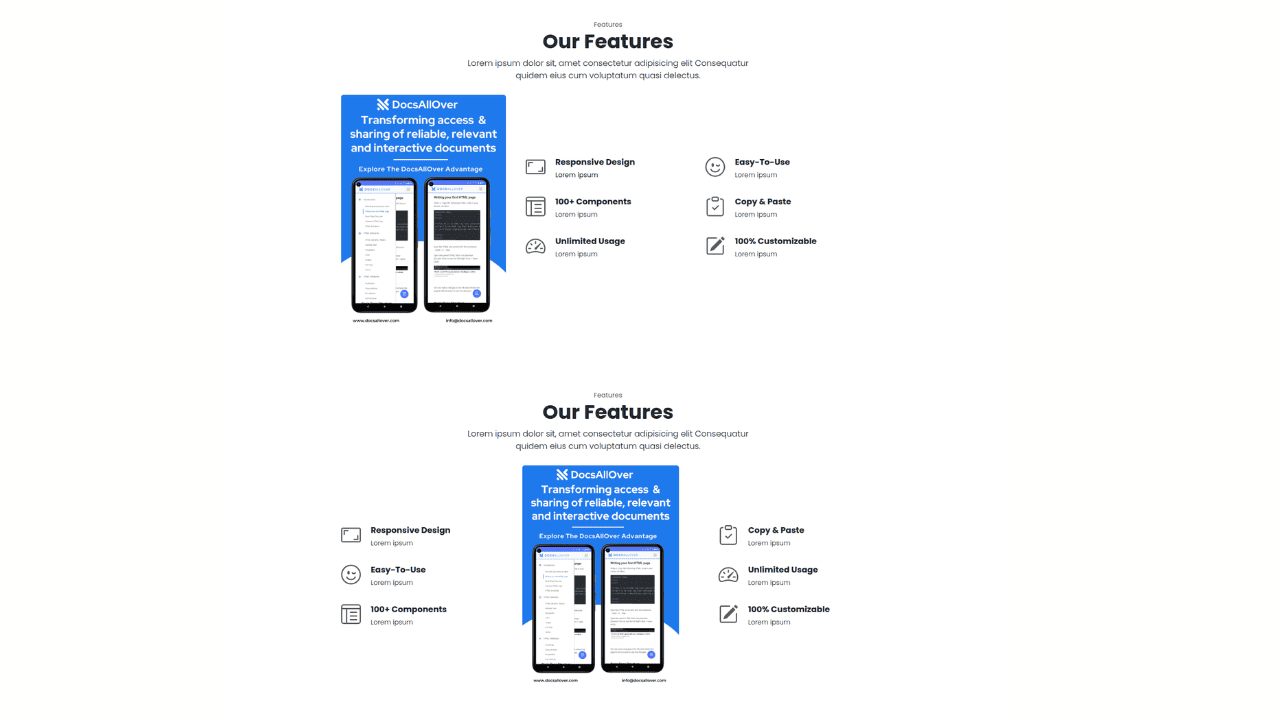
Responsive Bootstrap 5 Detailed Features Section
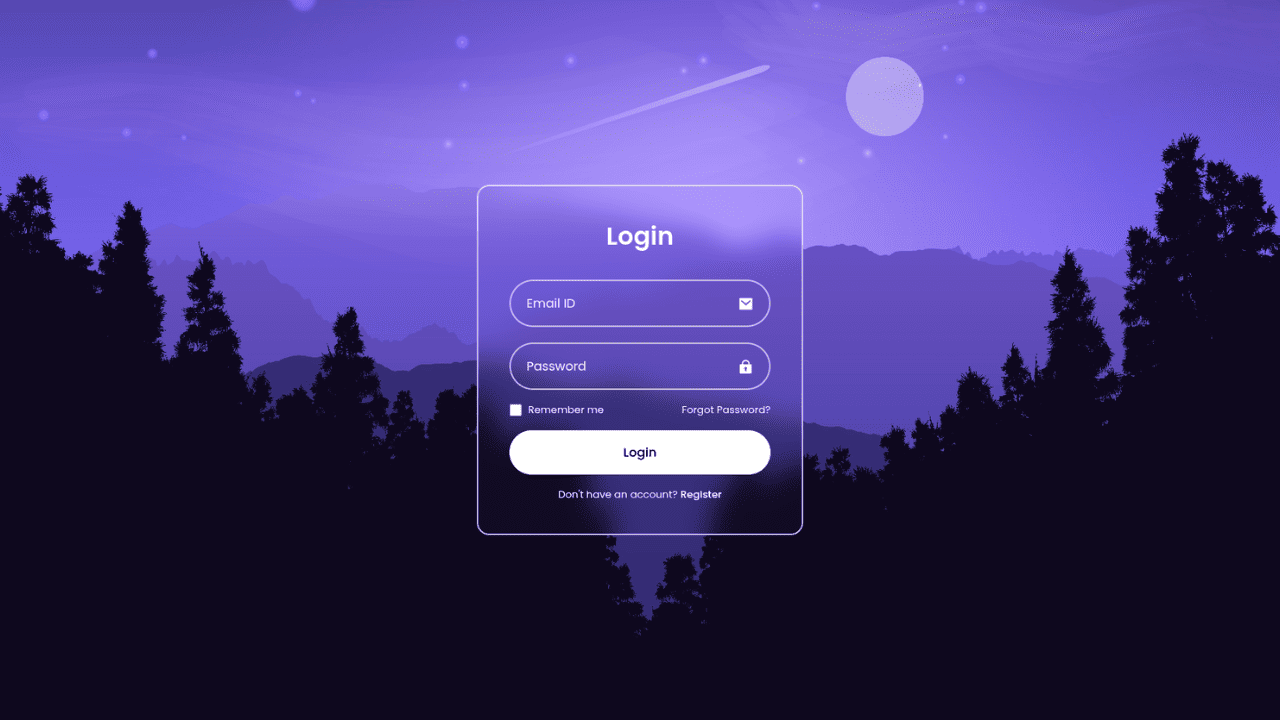
Responsive CSS-Only Glassmorphism Login Form with background image

Responsive Tailwind CSS Hero Section and Adaptive Navbar

Responsive Bootstrap 5 Compact FAQ Accordion Display

Responsive CSS Only Services Section with Hover Effects

Responsive Tailwind CSS Team Members Display Showcase

Responsive Bootstrap 5 Clear Process Flow Component
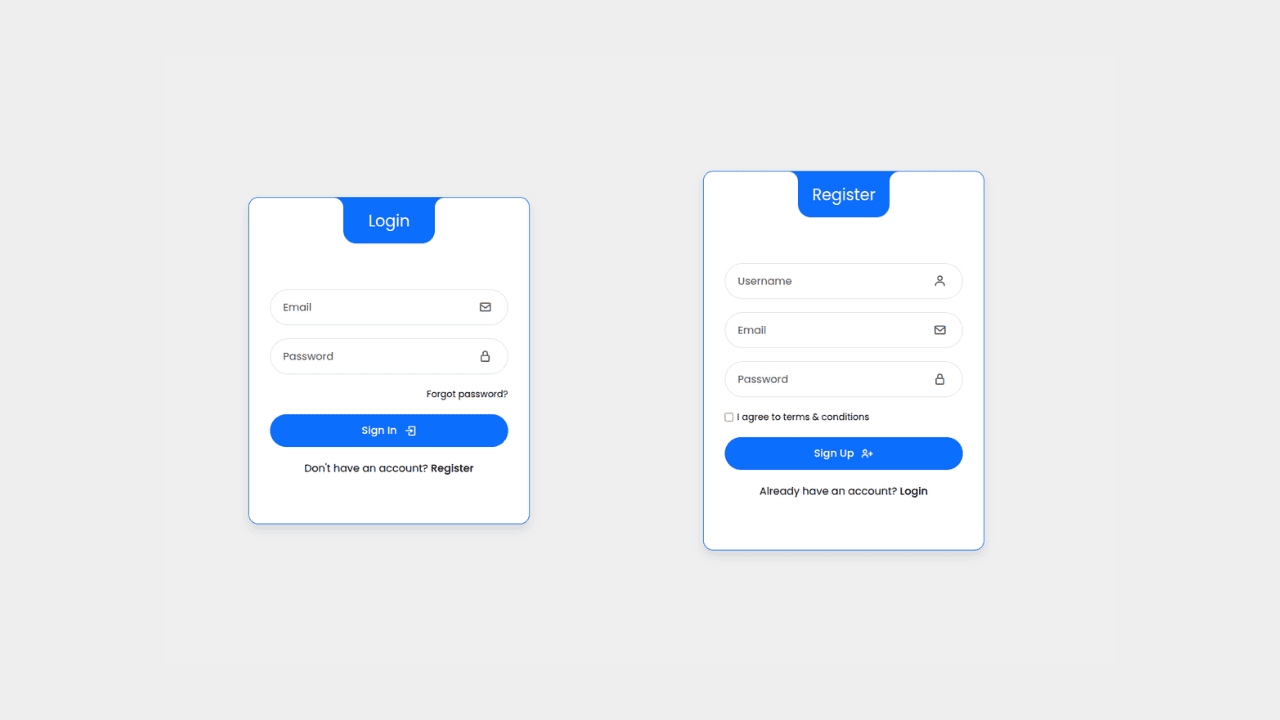
Responsive Interactive Login & Register Form with CSS & JS Transitions
Building Blocks for Your Web Pages
Explore a collection of pre-written HTML,CSS and Javascript
snippets to jumpstart your web development projects.
