Bootstrap 5 Payment Method Form Page with Invoice
<!doctype html>
<html lang="en">

<head>
    <!-- Required meta tags -->
    <meta charset="utf-8">
    <meta name="viewport" content="width=device-width, initial-scale=1">

    <!-- Bootstrap CSS -->
    <link href="https://cdn.jsdelivr.net/npm/bootstrap@5.0.2/dist/css/bootstrap.min.css" rel="stylesheet"
        integrity="sha384-EVSTQN3/azprG1Anm3QDgpJLIm9Nao0Yz1ztcQTwFspd3yD65VohhpuuCOmLASjC" crossorigin="anonymous">

    <title>Bootstrap 5 Payment Method Form Page with Invoice</title>
</head>

<body>
    <div class="container">
        <div class="row m-0">
            <div class="col-md-7 col-12">
                <div class="row">
                    <div class="col-12 mb-4">
                        <div class="row box-right">
                            <div class="col-md-8 ps-0 ">
                                <p class="ps-3 textmuted fw-bold h6 mb-0">TOTAL RECIEVED</p>
                                <p class="h1 fw-bold d-flex"> <span
                                        class=" fas fa-dollar-sign textmuted pe-1 h6 align-text-top mt-1"></span>84,254
                                    <span class="textmuted">.58</span> </p>
                                <p class="ms-3 px-2 bg-green">+10% since last month</p>
                            </div>
                            <div class="col-md-4">
                                <p class="p-blue"> <span class="fas fa-circle pe-2"></span>Pending </p>
                                <p class="fw-bold mb-3"><span class="fas fa-dollar-sign pe-1"></span>1254 <span
                                        class="textmuted">.50</span> </p>
                                <p class="p-org"><span class="fas fa-circle pe-2"></span>On drafts</p>
                                <p class="fw-bold"><span class="fas fa-dollar-sign pe-1"></span>00<span
                                        class="textmuted">.00</span></p>
                            </div>
                        </div>
                    </div>
                    <div class="col-12 px-0 mb-4">
                        <div class="box-right">
                            <div class="d-flex pb-2">
                                <p class="fw-bold h7"><span class="textmuted">quickpay.to/</span>Publicnote</p>
                                <p class="ms-auto p-blue"><span
                                        class=" bg btn btn-primary fas fa-pencil-alt me-3"></span> <span
                                        class=" bg btn btn-primary far fa-clone"></span> </p>
                            </div>
                            <div class="bg-blue p-2">
                                <P class="h8 textmuted">Lorem ipsum dolor sit amet consectetur adipisicing elit. Laborum
                                    recusandae dolorem voluptas nemo, modi eos minus nesciunt. <p
                                        class="p-blue bg btn btn-primary h8">LEARN MORE</p>
                                </P>
                            </div>
                        </div>
                    </div>
                    <div class="col-12 px-0">
                        <div class="box-right">
                            <div class="d-flex mb-2">
                                <p class="fw-bold">Create new invoice</p>
                                <p class="ms-auto textmuted"><span class="fas fa-times"></span></p>
                            </div>
                            <div class="d-flex mb-2">
                                <p class="h7">#AL2545</p>
                                <p class="ms-auto bg btn btn-primary p-blue h8"><span
                                        class="far fa-clone pe-2"></span>COPY PAYMENT LINK </p>
                            </div>
                            <div class="row">
                                <div class="col-12 mb-2">
                                    <p class="textmuted h8">Project / Description</p> <input class="form-control"
                                        type="text" placeholder="Legal Consulting">
                                </div>
                                <div class="col-6">
                                    <p class="textmuted h8">Issused on</p> <input class="form-control" type="text"
                                        placeholder="Oct 25, 2020">
                                </div>
                                <div class="col-6">
                                    <p class="textmuted h8">Due on</p> <input class="form-control" type="text"
                                        placeholder="Oct 25, 2020">
                                </div>
                            </div>
                        </div>
                    </div>
                </div>
            </div>
            <div class="col-md-5 col-12 ps-md-5 p-0 ">
                <div class="box-left">
                    <p class="textmuted h8">Invoice</p>
                    <p class="fw-bold h7">Alex Parkinson</p>
                    <p class="textmuted h8">3897 Hickroy St, salt Lake city</p>
                    <p class="textmuted h8 mb-2">Utah, United States 84104</p>
                    <div class="h8">
                        <div class="row m-0 border mb-3">
                            <div class="col-6 h8 pe-0 ps-2">
                                <p class="textmuted py-2">Items</p> <span class="d-block py-2 border-bottom">Legal
                                    Advising</span> <span class="d-block py-2">Expert Consulting</span>
                            </div>
                            <div class="col-2 text-center p-0">
                                <p class="textmuted p-2">Qty</p> <span class="d-block p-2 border-bottom">2</span> <span
                                    class="d-block p-2">1</span>
                            </div>
                            <div class="col-2 p-0 text-center h8 border-end">
                                <p class="textmuted p-2">Price</p> <span class="d-block border-bottom py-2"><span
                                        class="fas fa-dollar-sign"></span>500</span> <span class="d-block py-2 "><span
                                        class="fas fa-dollar-sign"></span>400</span>
                            </div>
                            <div class="col-2 p-0 text-center">
                                <p class="textmuted p-2">Total</p> <span class="d-block py-2 border-bottom"><span
                                        class="fas fa-dollar-sign"></span>1000</span> <span class="d-block py-2"><span
                                        class="fas fa-dollar-sign"></span>400</span>
                            </div>
                        </div>
                        <div class="d-flex h7 mb-2">
                            <p class="">Total Amount</p>
                            <p class="ms-auto"><span class="fas fa-dollar-sign"></span>1400</p>
                        </div>
                        <div class="h8 mb-5">
                            <p class="textmuted">Lorem ipsum dolor sit amet elit. Adipisci ea harum sed quaerat tenetur
                            </p>
                        </div>
                    </div>
                    <div class="">
                        <p class="h7 fw-bold mb-1">Pay this Invoice</p>
                        <p class="textmuted h8 mb-2">Make payment for this invoice by filling in the details</p>
                        <div class="form">
                            <div class="row">
                                <div class="col-12">
                                    <div class="card border-0"> <input class="form-control ps-5" type="text"
                                            placeholder="Card number"> <span class="far fa-credit-card"></span> </div>
                                </div>
                                <div class="col-6"> <input class="form-control my-3" type="text" placeholder="MM/YY">
                                </div>
                                <div class="col-6"> <input class="form-control my-3" type="text" placeholder="cvv">
                                </div>
                                <p class="p-blue h8 fw-bold mb-3">MORE PAYMENT METHODS</p>
                            </div>
                            <div class="btn btn-primary d-block h8">PAY <span
                                    class="fas fa-dollar-sign ms-2"></span>1400<span
                                    class="ms-3 fas fa-arrow-right"></span></div>
                        </div>
                    </div>
                </div>
            </div>
        </div>
    </div>
    <script src="https://cdn.jsdelivr.net/npm/bootstrap@5.0.2/dist/js/bootstrap.bundle.min.js"
        integrity="sha384-MrcW6ZMFYlzcLA8Nl+NtUVF0sA7MsXsP1UyJoMp4YLEuNSfAP+JcXn/tWtIaxVXM" crossorigin="anonymous">
    </script>
</body>

</html>
@import url('https://fonts.googleapis.com/css2?family=Poppins&display=swap');

* {
    margin: 0;
    padding: 0;
    box-sizing: border-box;
    font-family: 'Poppins', sans-serif
}

p {
    margin: 0
}

.container {
    max-width: 900px;
    margin: 30px auto;
    background-color: #e8eaf6;
    padding: 35px;
}

.box-right {
    padding: 30px 25px;
    background-color: white;
    border-radius: 15px
}

.box-left {
    padding: 20px 20px;
    background-color: white;
    border-radius: 15px
}

.textmuted {
    color: #7a7a7a
}

.bg-green {
    background-color: #d4f8f2;
    color: #06e67a;
    padding: 3px 0;
    display: inline;
    border-radius: 25px;
    font-size: 11px
}

.p-blue {
    font-size: 14px;
    color: #1976d2
}

.fas.fa-circle {
    font-size: 12px
}

.p-org {
    font-size: 14px;
    color: #fbc02d
}

.h7 {
    font-size: 15px
}

.h8 {
    font-size: 12px
}

.h9 {
    font-size: 10px
}

.bg-blue {
    background-color: #dfe9fc9c;
    border-radius: 5px
}

.form-control {
    box-shadow: none !important
}

.card input::placeholder {
    font-size: 14px
}

::placeholder {
    font-size: 14px
}

input.card {
    position: relative
}

.far.fa-credit-card {
    position: absolute;
    top: 10px;
    padding: 0 15px
}

.fas,
.far {
    cursor: pointer
}

.cursor {
    cursor: pointer
}

.btn.btn-primary {
    box-shadow: none;
    height: 40px;
    padding: 11px
}

.bg.btn.btn-primary {
    background-color: transparent;
    border: none;
    color: #1976d2
}

.bg.btn.btn-primary:hover {
    color: #539ee9
}

@media(max-width:320px) {
    .h8 {
        font-size: 11px
    }

    .h7 {
        font-size: 13px
    }

    ::placeholder {
        font-size: 10px
    }
}
//Doesn't require any JS.
This Bootstrap 5 snippet showcases a user-friendly and visually appealing payment method form page, designed to facilitate secure and efficient online payments. The page includes an invoice summary, payment details, and a clear call-to-action button to initiate the payment process.
Key Features:
- Responsive Design: The payment page adapts seamlessly to different screen sizes, ensuring a consistent user experience across devices.
- Customizable Styling: Easily modify the appearance of the page using Bootstrap's CSS classes to match your website's design and branding.
- Clear Invoice Summary: The page displays a detailed breakdown of the invoice, including items, quantities, prices, and the total amount due.
- Secure Payment Form: The payment form includes fields for card number, expiration date, CVV, and other necessary payment information.
- Payment Methods: Supports multiple payment methods, such as credit cards, debit cards, and digital wallets.
- Error Handling: The form can include validation to ensure that users provide accurate and valid payment information.
Implementation:
- Include Bootstrap 5: Ensure you have Bootstrap 5 installed and configured in your project.
- Create the HTML Structure: Set up the basic HTML structure for the payment page, including the container, invoice summary, payment form, and button.
- Apply Bootstrap Classes: Use Bootstrap's CSS classes to style the page and its elements, such as container, row, col, card, form-group, input, btn, and any other relevant classes.
- Integrate Payment Gateway: Integrate a secure payment gateway (e.g., Stripe, PayPal) to process payments and handle sensitive payment information.
- Add JavaScript Functionality: Implement JavaScript to handle form validation, payment processing, and any other necessary interactions.
By following these steps, you can create a secure, user-friendly, and visually appealing payment method form page that enhances the checkout experience on your website.

Join Our Community Call-to-Action Banner Section With Tailwind CSS
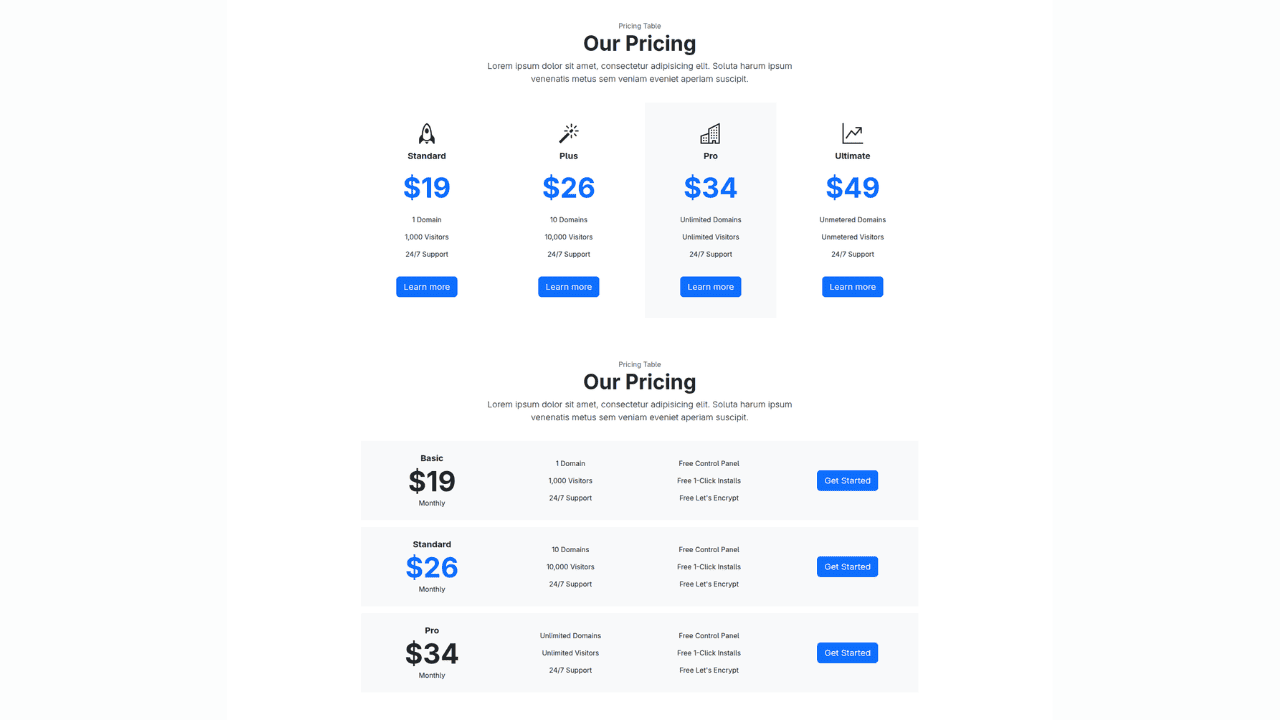
Bootstrap 5 Responsive Service Pricing Table Block

Owl Carousel Responsive CSS-Only Team Section Showcase

Tailwind CSS Subscribe Container with Integrated Footer
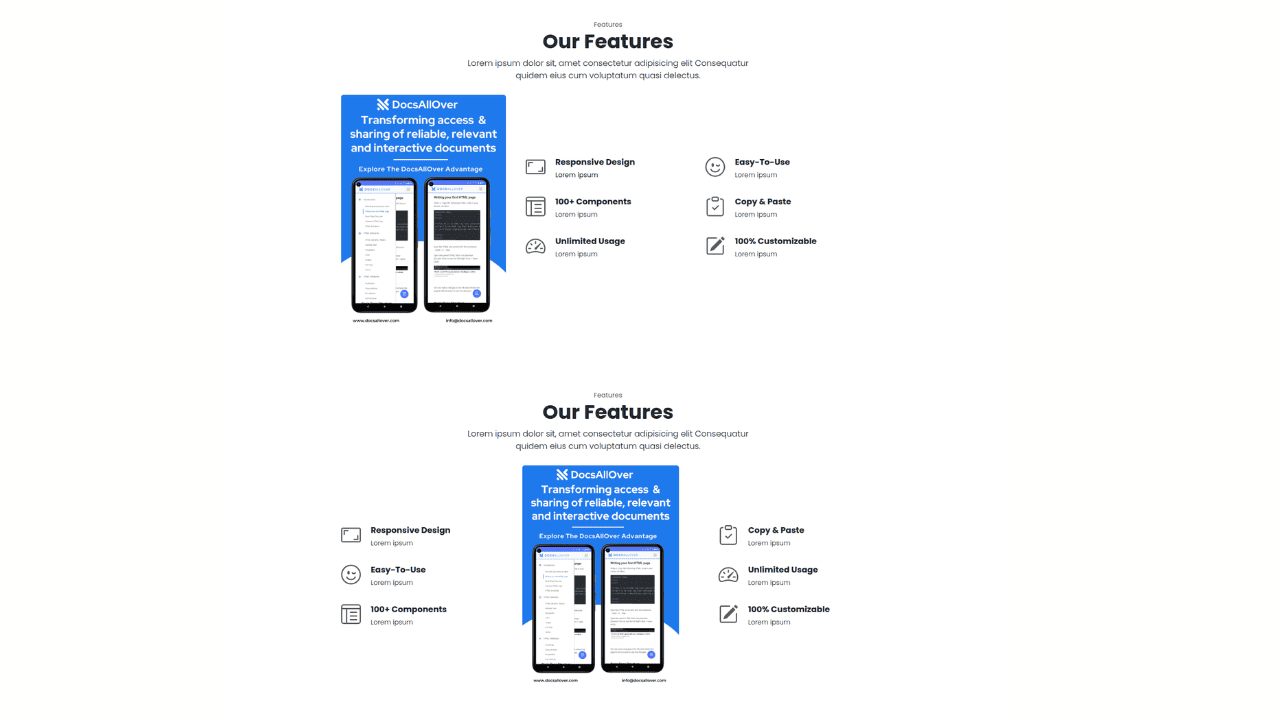
Responsive Bootstrap 5 Detailed Features Section

Responsive CSS-Only Glassmorphism Login Form with background image
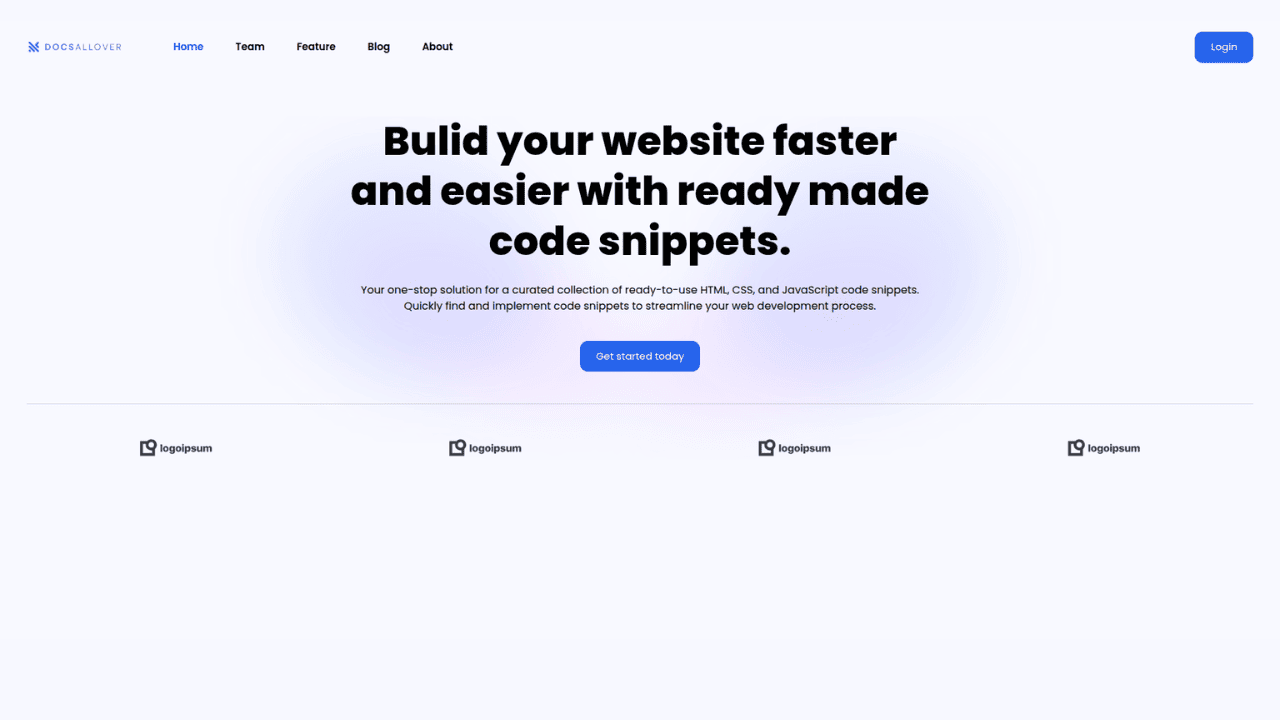
Responsive Tailwind CSS Hero Section and Adaptive Navbar
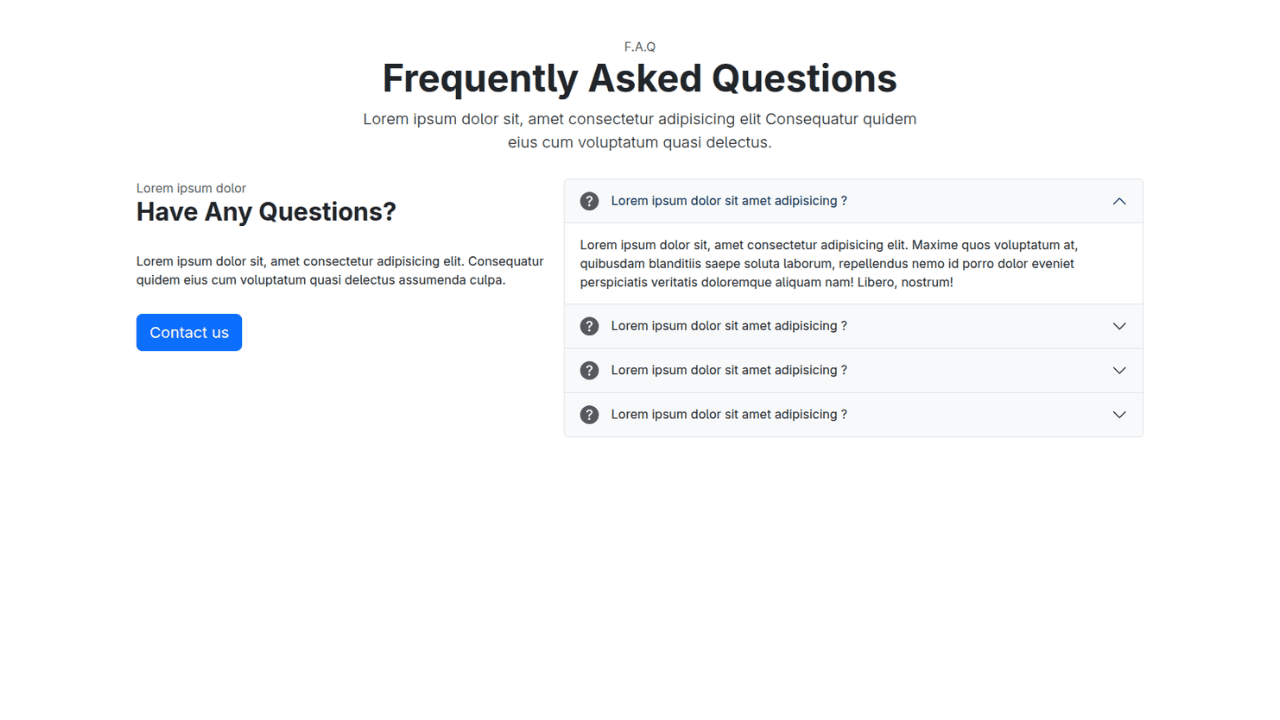
Responsive Bootstrap 5 Compact FAQ Accordion Display

Responsive CSS Only Services Section with Hover Effects
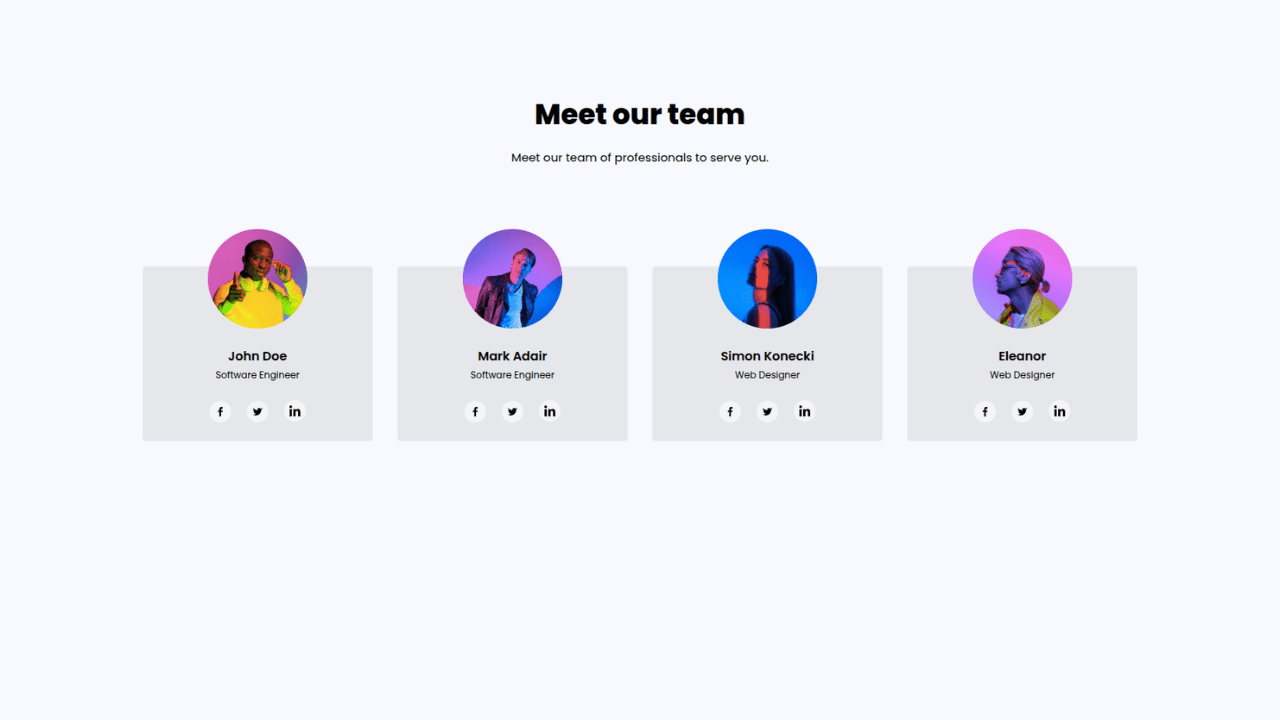
Responsive Tailwind CSS Team Members Display Showcase
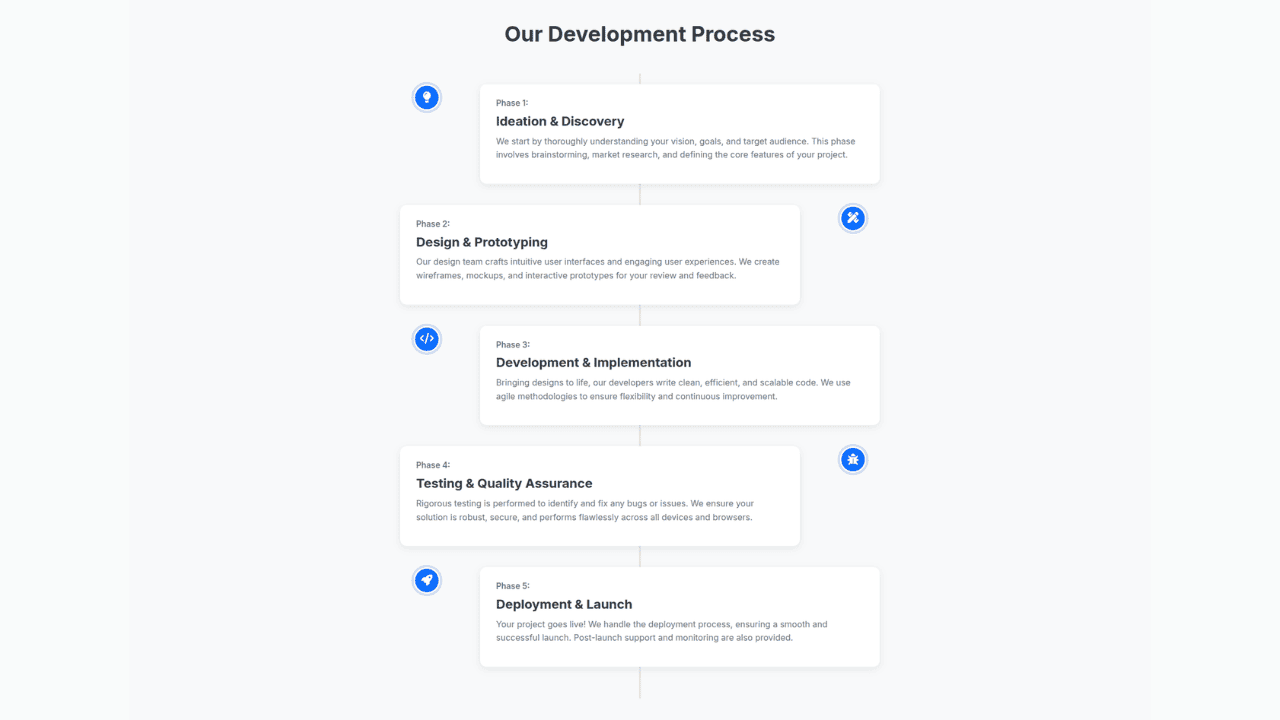
Responsive Bootstrap 5 Clear Process Flow Component
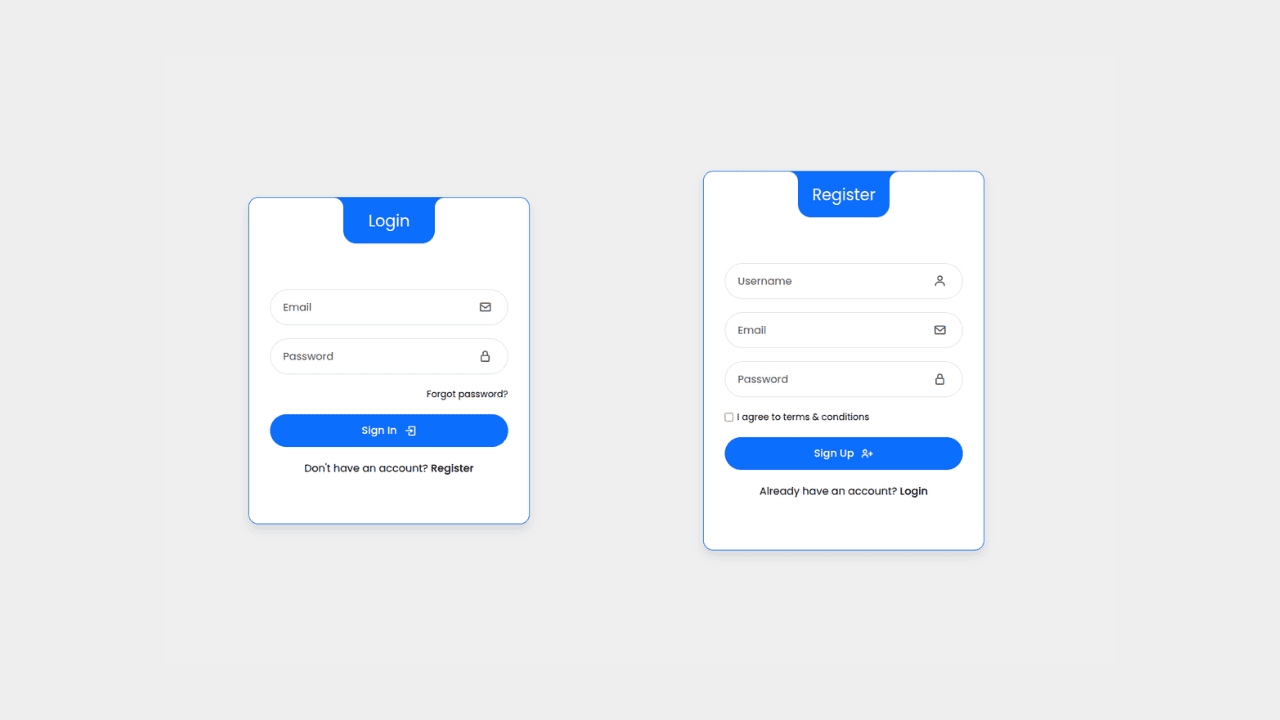
Responsive Interactive Login & Register Form with CSS & JS Transitions
Building Blocks for Your Web Pages
Explore a collection of pre-written HTML,CSS and Javascript
snippets to jumpstart your web development projects.
