<!DOCTYPE html>
<html>

<head>
    <meta charset="utf-8">
    <meta name="viewport" content="width=device-width, initial-scale=1">
    <title>Beautiful Pricing Table</title>
    <link rel="stylesheet" href="https://maxcdn.bootstrapcdn.com/bootstrap/4.0.0/css/bootstrap.min.css">
</head>

<body>
    <section class="pricing-table">
        <div class="container">
            <div class="block-heading">
              <h2>Pricing Table</h2>
              <p>Lorem ipsum dolor sit amet, consectetur adipiscing elit. Nunc quam urna, dignissim nec auctor in, mattis vitae leo.</p>
            </div>
            <div class="row justify-content-md-center">
                <div class="col-md-5 col-lg-4">
                    <div class="item">
                        <div class="heading">
                            <h3>BASIC</h3>
                        </div>
                        <p>Lorem ipsum dolor sit amet, consectetur adipiscing elit.</p>
                        <div class="features">
                            <h4><span class="feature">Full Support</span> : <span class="value">No</span></h4>
                            <h4><span class="feature">Duration</span> : <span class="value">30 Days</span></h4>
                            <h4><span class="feature">Storage</span> : <span class="value">10GB</span></h4>
                        </div>
                        <div class="price">
                            <h4>$25</h4>
                        </div>
                        <button class="btn btn-block btn-outline-primary" type="submit">BUY NOW</button>
                    </div>
                </div>
                <div class="col-md-5 col-lg-4">
                    <div class="item">
                        <div class="ribbon">Best Value</div>
                        <div class="heading">
                            <h3>PRO</h3>
                        </div>
                        <p>Lorem ipsum dolor sit amet, consectetur adipiscing elit.</p>
                        <div class="features">
                            <h4><span class="feature">Full Support</span> : <span class="value">Yes</span></h4>
                            <h4><span class="feature">Duration</span> : <span class="value">60 Days</span></h4>
                            <h4><span class="feature">Storage</span> : <span class="value">50GB</span></h4>
                        </div>
                        <div class="price">
                            <h4>$50</h4>
                        </div>
                        <button class="btn btn-block btn-primary" type="submit">BUY NOW</button>
                    </div>
                </div>
                <div class="col-md-5 col-lg-4">
                    <div class="item">
                        <div class="heading">
                            <h3>PREMIUM</h3>
                        </div>
                        <p>Lorem ipsum dolor sit amet, consectetur adipiscing elit.</p>
                        <div class="features">
                            <h4><span class="feature">Full Support</span> : <span class="value">Yes</span></h4>
                            <h4><span class="feature">Duration</span> : <span class="value">120 Days</span></h4>
                            <h4><span class="feature">Storage</span> : <span class="value">150GB</span></h4>
                        </div>
                        <div class="price">
                            <h4>$150</h4>
                        </div>
                        <button class="btn btn-block btn-outline-primary" type="submit">BUY NOW</button>
                    </div>
                </div>
            </div>
        </div>
    </section>
</body>

</html>
@import url("https://fonts.googleapis.com/css?family=Montserrat");

.pricing-table{
  background-color: #eee;
  font-family: 'Montserrat', sans-serif;
}

.pricing-table .block-heading {
  padding-top: 50px;
  margin-bottom: 40px;
  text-align: center;
}

.pricing-table .block-heading h2 {
  color: #3b99e0;
}

.pricing-table .block-heading p {
  text-align: center;
  max-width: 420px;
  margin: auto;
  opacity: 0.7;
}

.pricing-table .heading {
  text-align: center;
  padding-bottom: 10px;
  border-bottom: 1px solid rgba(0, 0, 0, 0.1);
}

.pricing-table .item {
  background-color: #ffffff;
  box-shadow: 0px 2px 10px rgba(0, 0, 0, 0.075);
  border-top: 2px solid #5ea4f3;
  padding: 30px;
  overflow: hidden;
  position: relative;
}

.pricing-table .col-md-5:not(:last-child) .item {
  margin-bottom: 30px;
}

.pricing-table .item button {
  font-weight: 600;
}

.pricing-table .ribbon {
  width: 160px;
  height: 32px;
  font-size: 12px;
  text-align: center;
  color: #fff;
  font-weight: bold;
  box-shadow: 0px 2px 3px rgba(136, 136, 136, 0.25);
  background: #4dbe3b;
  transform: rotate(45deg);
  position: absolute;
  right: -42px;
  top: 20px;
  padding-top: 7px;
}

.pricing-table .item p {
  text-align: center;
  margin-top: 20px;
  opacity: 0.7;
}

.pricing-table .features .feature {
  font-weight: 600; }

.pricing-table .features h4 {
  text-align: center;
  font-size: 18px;
  padding: 5px;
}

.pricing-table .price h4 {
  margin: 15px 0;
  font-size: 45px;
  text-align: center;
  color: #2288f9;
}

.pricing-table .buy-now button {
  text-align: center;
  margin: auto;
  font-weight: 600;
  padding: 9px 0;
}
//Doesn't require any JS.
This Bootstrap 4 snippet showcases a visually appealing and informative pricing table designed to help users easily compare different pricing plans. The table features a clean and modern layout, with clear pricing information and highlighted key features.
Key Features:
- Responsive Design: The pricing table adapts seamlessly to different screen sizes, ensuring a consistent user experience across devices.
- Customizable Styling: Easily modify the appearance of the table using Bootstrap's CSS classes to match your website's design and branding.
- Clear Pricing Information: The table presents pricing plans in a clear and concise format, including monthly or annual costs, billed annually or monthly, and any applicable discounts or promotions.
- Feature Highlights: Compare different pricing plans by highlighting the key features included in each tier.
- Call-to-Action Buttons: Include prominent call-to-action buttons within each pricing card to encourage users to select a plan and proceed to the next step.
Implementation:
- Include Bootstrap 4: Ensure you have Bootstrap 4 installed and configured in your project.
- Create the HTML Structure: Set up the basic HTML structure for the pricing table, including the container, card rows, and individual card elements.
- Apply Bootstrap Classes: Use Bootstrap's CSS classes to style the pricing cards and their elements, such as card, card-header, card-body, card-footer, price, feature, and btn.
- Customize as Needed: Modify the Bootstrap classes and HTML structure to customize the appearance and content of the pricing cards according to your specific requirements.
By following these steps, you can easily integrate a visually appealing and functional pricing table into your Bootstrap 4 project.

Join Our Community Call-to-Action Banner Section With Tailwind CSS
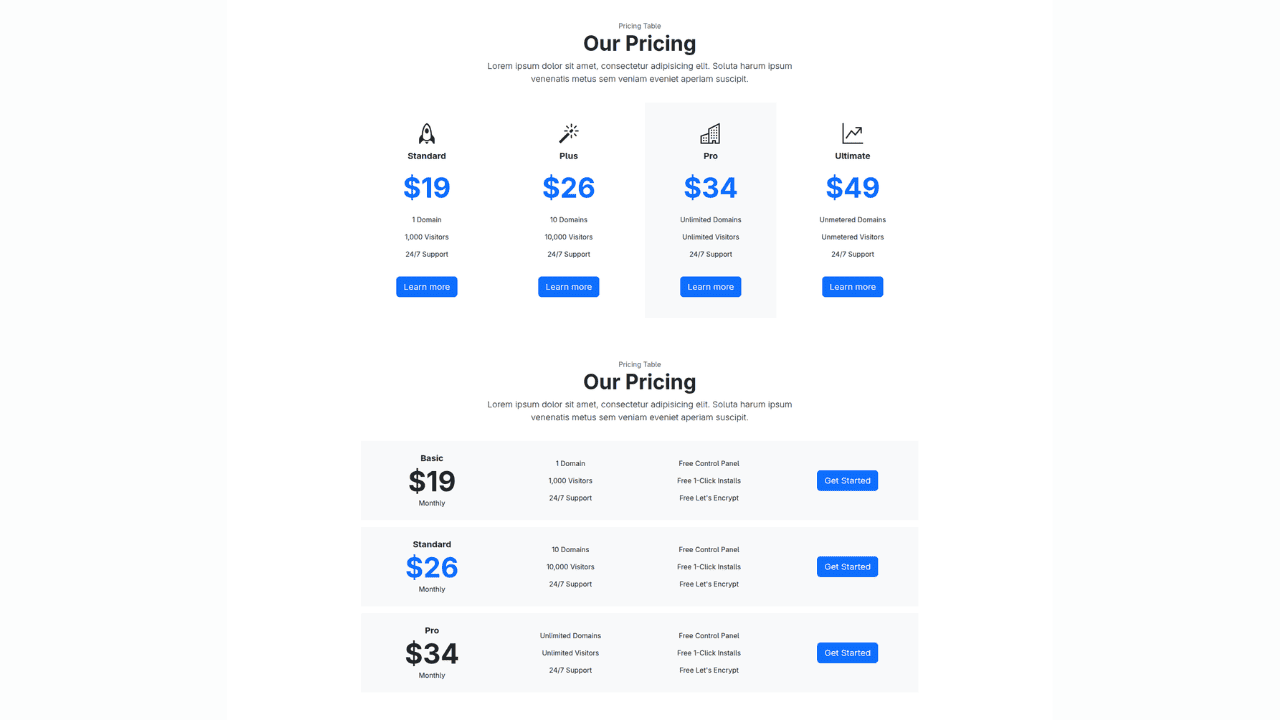
Bootstrap 5 Responsive Service Pricing Table Block

Owl Carousel Responsive CSS-Only Team Section Showcase
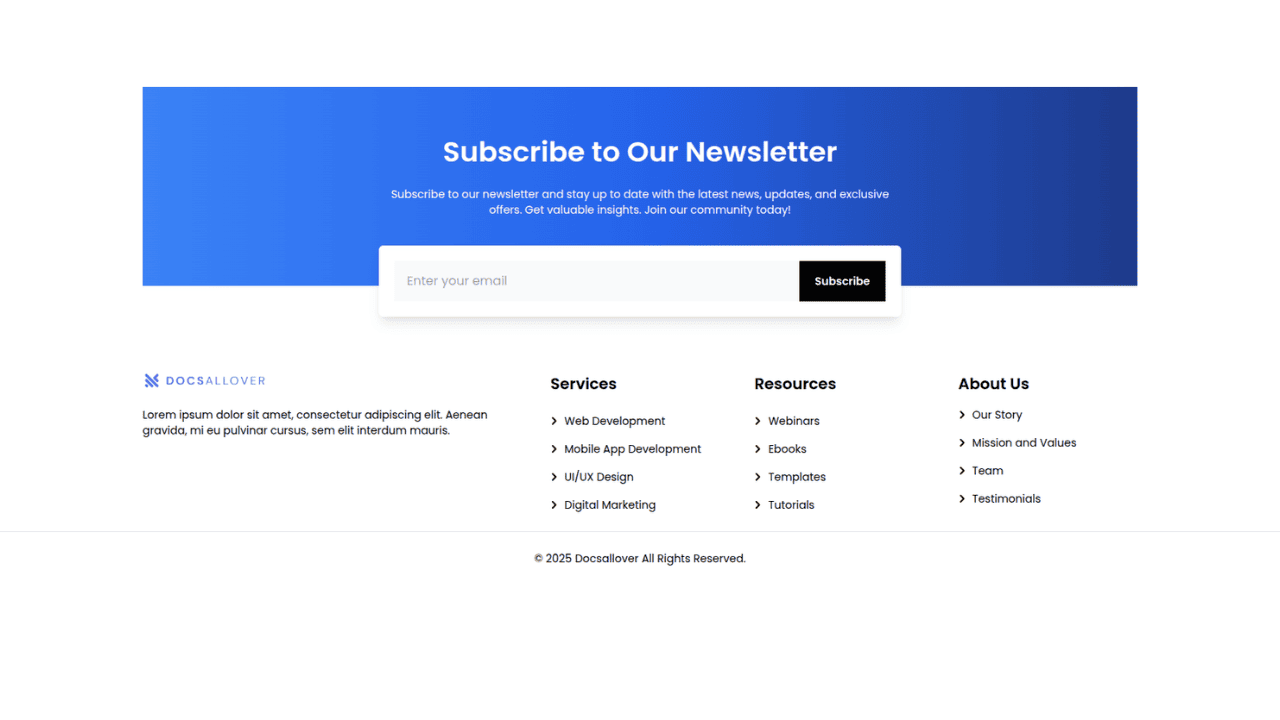
Tailwind CSS Subscribe Container with Integrated Footer
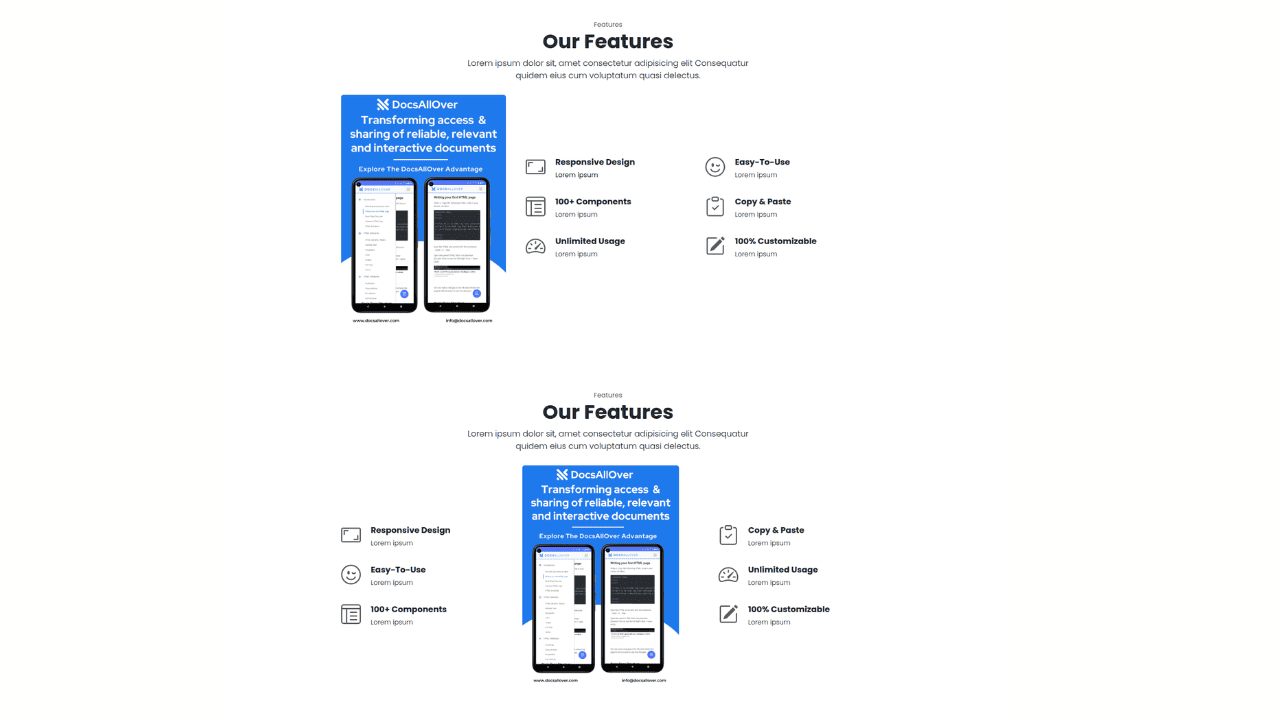
Responsive Bootstrap 5 Detailed Features Section
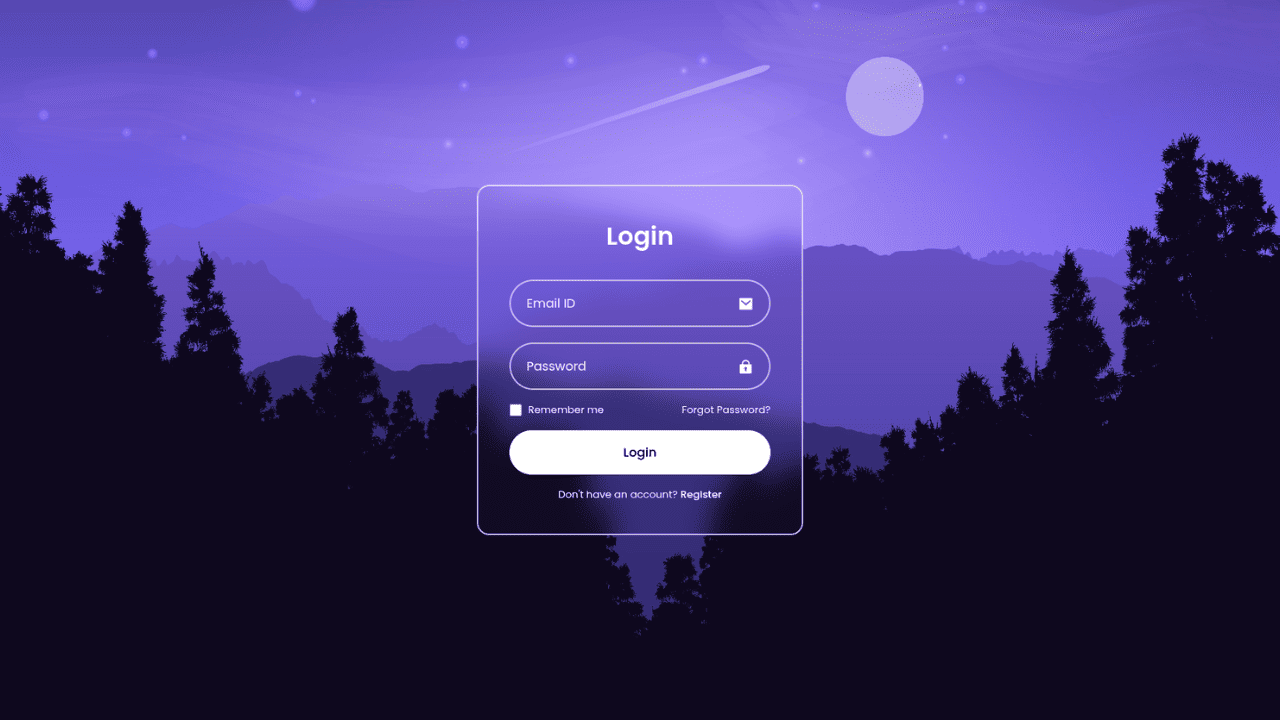
Responsive CSS-Only Glassmorphism Login Form with background image
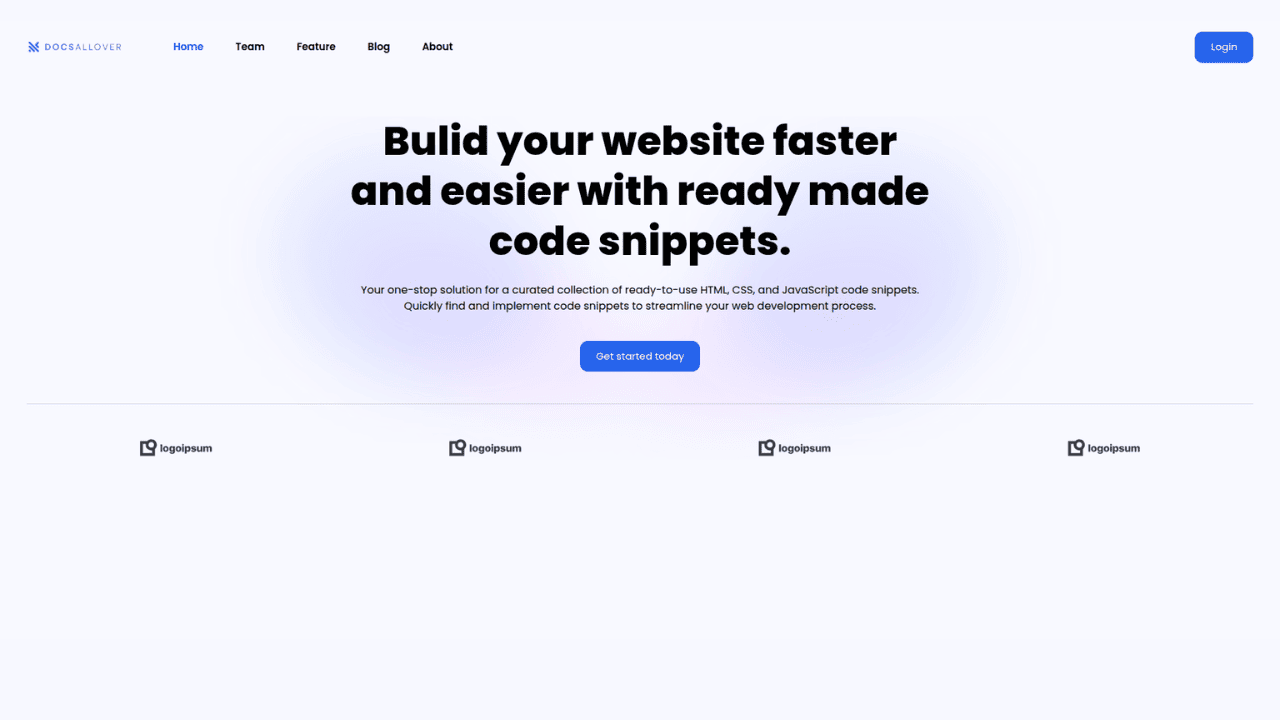
Responsive Tailwind CSS Hero Section and Adaptive Navbar
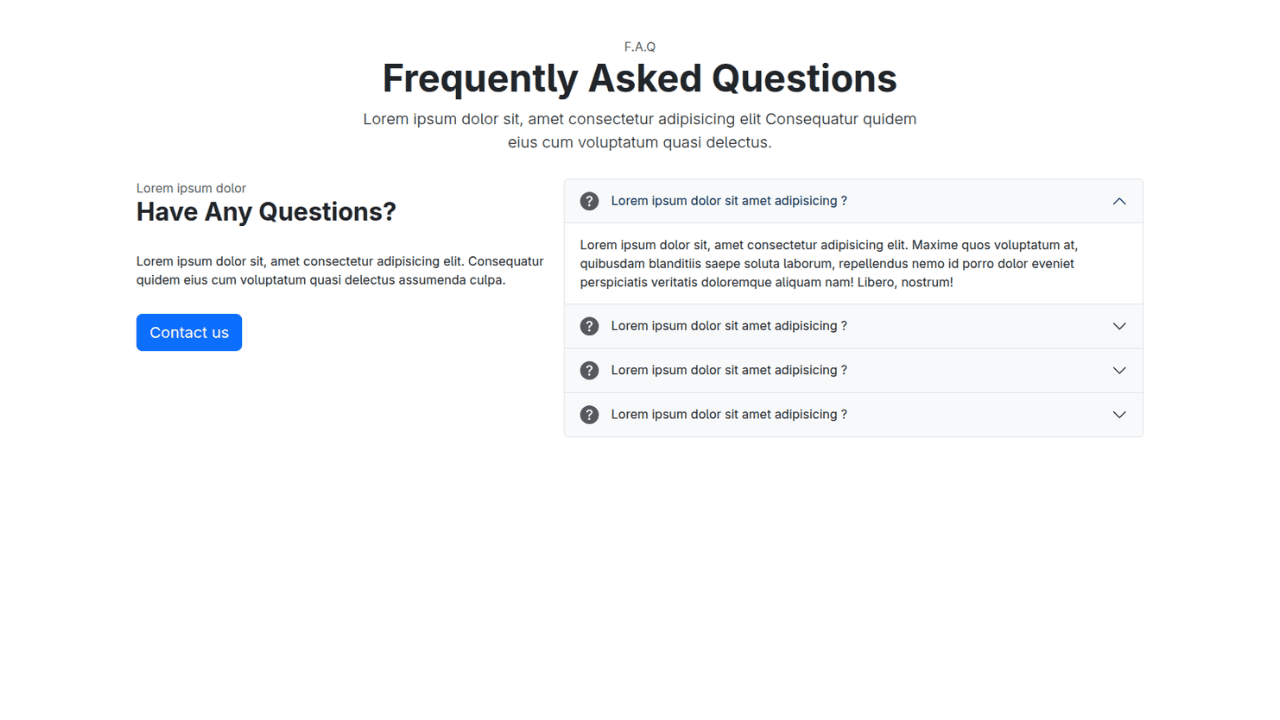
Responsive Bootstrap 5 Compact FAQ Accordion Display
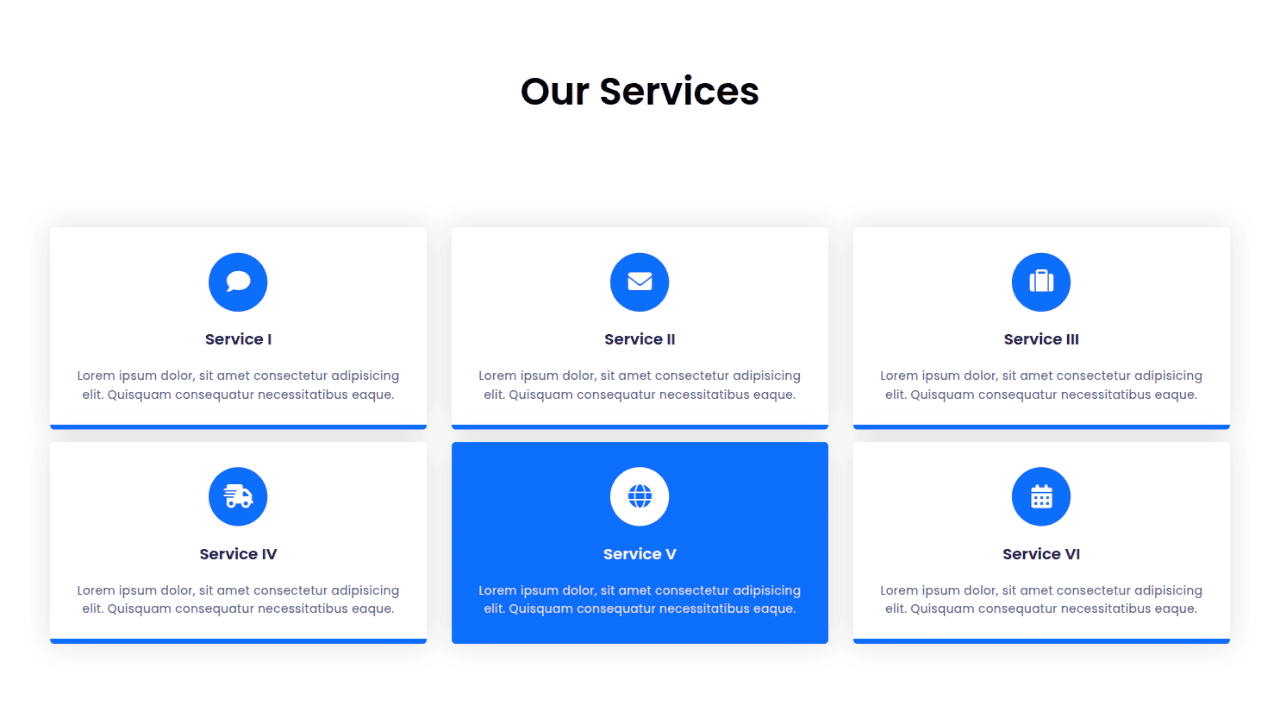
Responsive CSS Only Services Section with Hover Effects
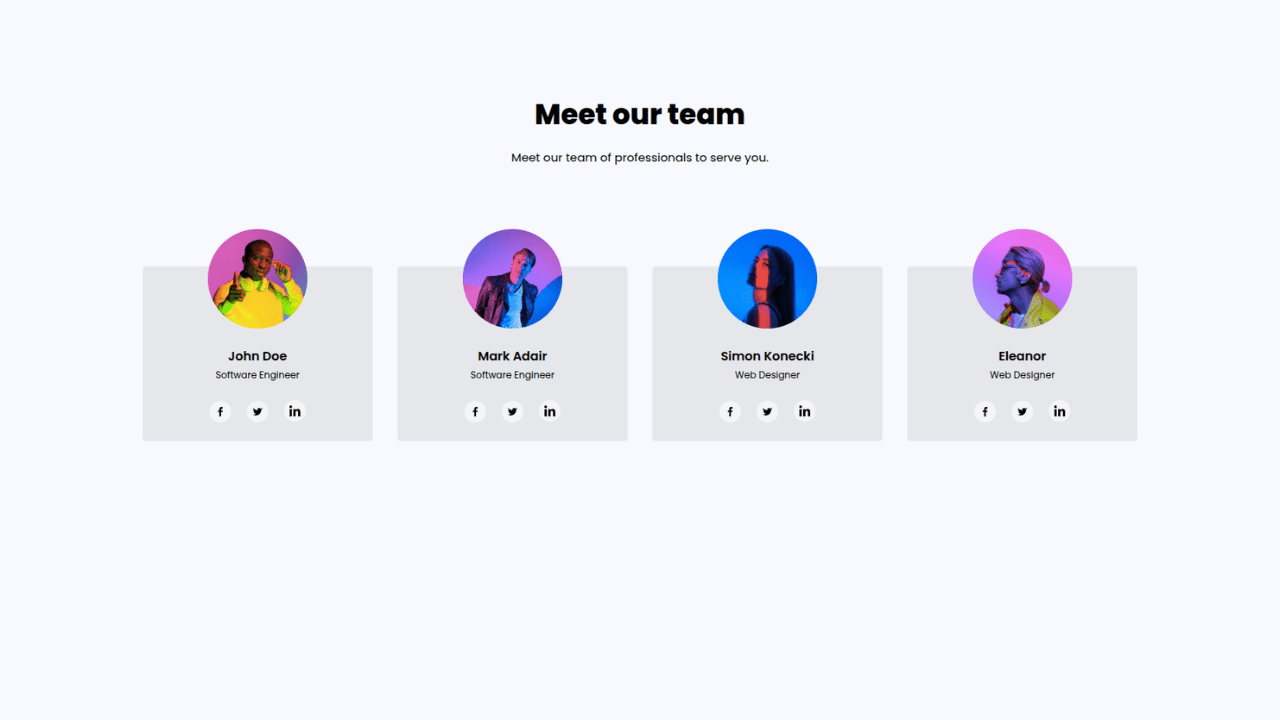
Responsive Tailwind CSS Team Members Display Showcase
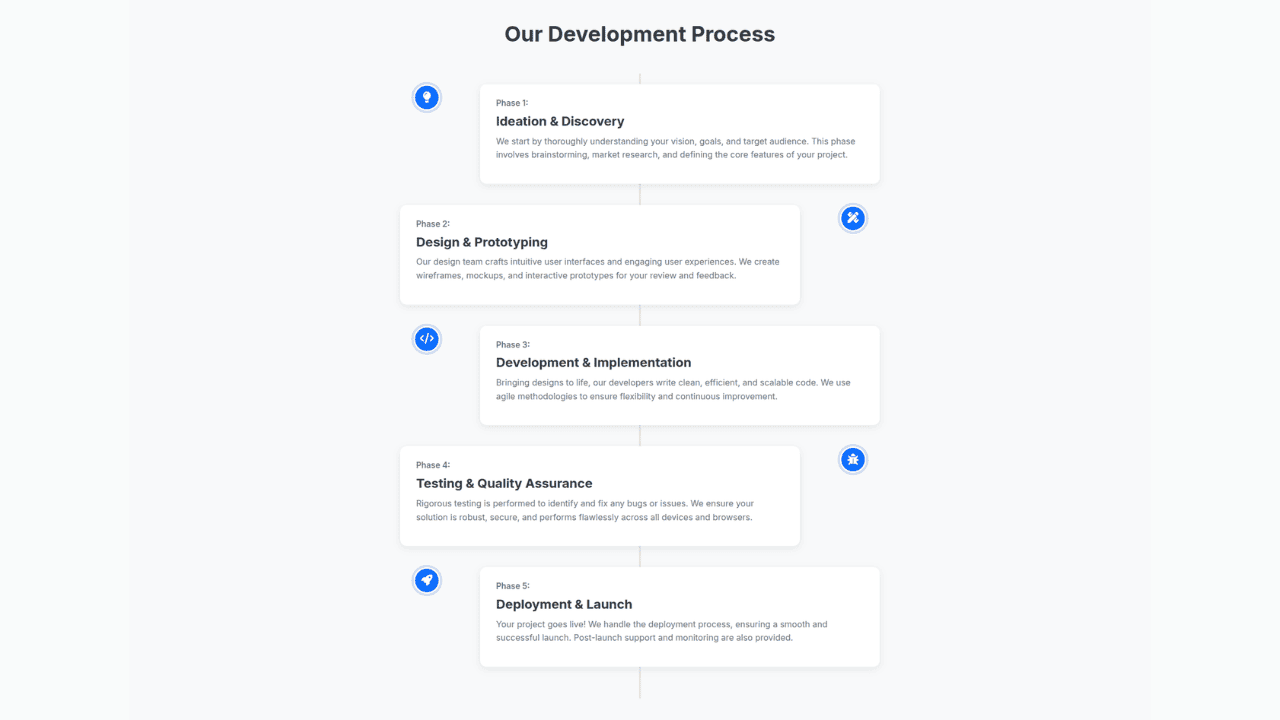
Responsive Bootstrap 5 Clear Process Flow Component
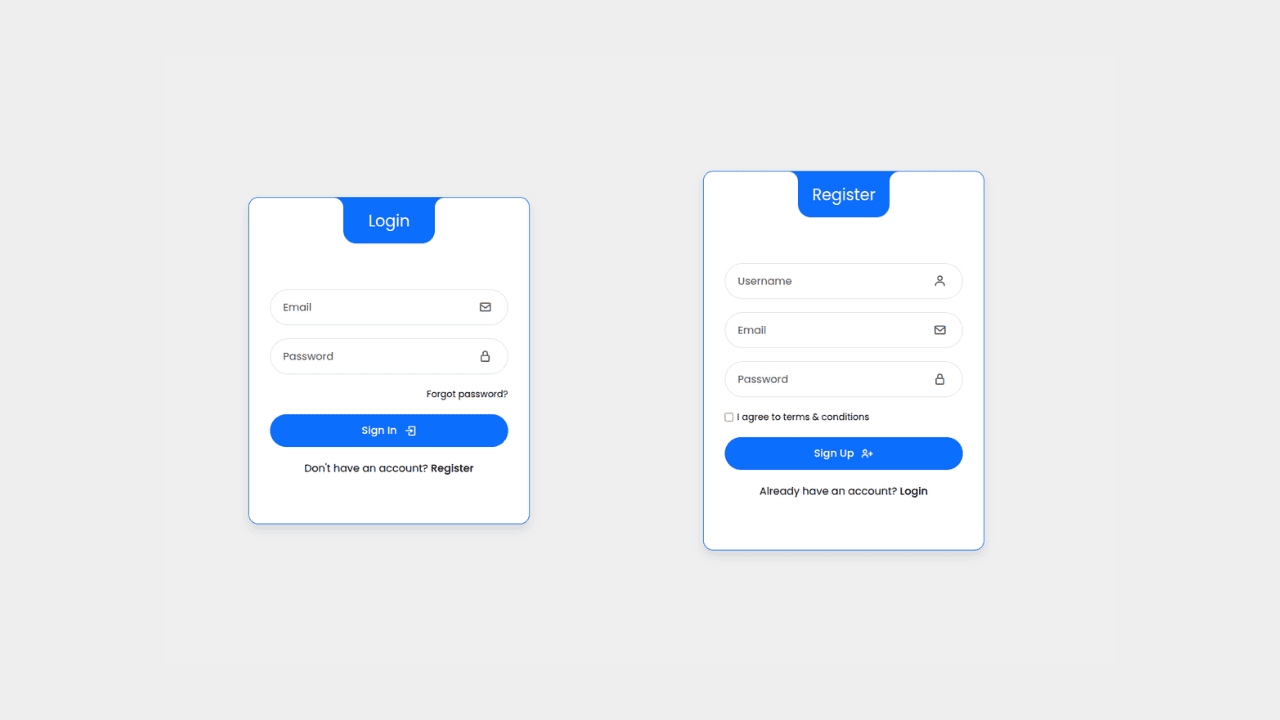
Responsive Interactive Login & Register Form with CSS & JS Transitions
Building Blocks for Your Web Pages
Explore a collection of pre-written HTML,CSS and Javascript
snippets to jumpstart your web development projects.
