Responsive Bootstrap 5 Breadcrumbs with Integrated Background Image
<!DOCTYPE html>
<html lang="en">

<head>
    <meta charset="UTF-8">
    <meta name="viewport" content="width=device-width, initial-scale=1.0">
    <title>Responsive Bootstrap 5 Breadcrumbs with Integrated Background Image</title>
    <link href="https://cdn.jsdelivr.net/npm/bootstrap@5.3.3/dist/css/bootstrap.min.css" rel="stylesheet" />
    <link rel="stylesheet" href="https://cdn.jsdelivr.net/npm/bootstrap-icons@1.11.3/font/bootstrap-icons.css" />
</head>

<body>
    <section id="breadcrumb">
        <div class="container">
            <div class="row align-items-center">
                <div class="col-lg-9 col-md-8">
                    <div class="bread_inner">
                        <div class="sub_title">Lorem ipsum dolor</div>
                        <div class="back_title">About Us</div>
                        <h1 class="title">About Us</h1>
                    </div>
                </div>
                <div class="col-lg-3 col-md-4">
                    <div class="link">
                        <a href="#0" class="">Home</a>
                        /
                        <span class="">About Us</span>
                    </div>
                </div>
            </div>
        </div>
    </section>
    <script src="https://cdn.jsdelivr.net/npm/bootstrap@5.3.3/dist/js/bootstrap.bundle.min.js"></script>
</body>

</html>
@import url('https://fonts.googleapis.com/css2?family=Rubik:ital,wght@0,300..900;1,300..900&display=swap');

#breadcrumb {
    background: url(https://cdn.pixabay.com/photo/2023/02/03/14/32/building-7765288_960_720.jpg);
    background-size: cover;
    background-repeat: no-repeat;
    position: relative;
    padding: 300px 0 150px;
    font-family: "Rubik", sans-serif;
    overflow: hidden;
}

#breadcrumb::after {
    content: "";
    position: absolute;
    top: 0;
    left: 0;
    width: 100%;
    height: 100%;
    background: rgba(0, 0, 0, 0.7);
    pointer-events: none;
}

#breadcrumb .bread_inner {
    position: relative;
    z-index: 1;
    color: #fff;
}

#breadcrumb .link {
    color: #fff;
    position: relative;
    z-index: 1;
    text-align: right;
}

#breadcrumb .sub_title {
    font-size: 0.875rem;
    font-weight: 600;
    line-height: 1rem;
    text-transform: uppercase;
    color: rgb(162, 179, 255);
    margin-bottom: 20px;
}

#breadcrumb .back_title {
    white-space: nowrap;
    position: absolute;
    bottom: -2.5rem;
    left: 0;
    font-size: 7.5rem;
    font-weight: 400;
    line-height: 1.15;
    color: transparent;
    -webkit-text-stroke: 1px rgba(255, 255, 255, 0.2);
}

#breadcrumb h1 {
    font-size: 4.375rem;
    font-weight: 400;
    line-height: 1.1;
    position: relative;
    left: 50px;
}

#breadcrumb .link a {
    color: #fff;
    text-decoration: none;
    color: rgb(162, 179, 255);
    margin-right: 7px;
}

#breadcrumb .link span {
    margin-left: 7px;
}

@media (max-width: 768px) {
    #breadcrumb .link {
        text-align: left;
        margin-top: 30px;
    }
}

@media (max-width: 576px) {
    #breadcrumb .back_title {
        font-size: 4rem;
        bottom: -25px;
    }

    #breadcrumb h1 {
        font-size: 3rem;
        left: 25px;
    }

    #breadcrumb {
        padding: 100px 0;
    }
}
//Doesn't require any JS.
This Bootstrap 5 snippet showcases a stylish and informative breadcrumb navigation component enhanced with a visually engaging background image. The breadcrumb guides users through a website's hierarchy while adding an aesthetic touch with a custom backdrop.
Key Features:
- Responsive Design: The breadcrumb navigation adapts seamlessly to different screen sizes, ensuring a consistent visual and functional experience across devices.
- Background Image Integration: Allows for the easy incorporation of a background image to enhance the visual appeal of the breadcrumb.
- Customizable Styling: Easily modify the appearance of the breadcrumb using Bootstrap's CSS classes and your own CSS to control the background image and text styles, matching your website's design and branding.
- Clear Navigation: The breadcrumbs are displayed in a clear and concise manner, making it easy for users to understand their current location and navigate back to previous pages.
Implementation:
- Include Bootstrap 5: Ensure you have Bootstrap 5 installed and configured in your project.
- Create the HTML Structure: Set up the basic HTML structure for the breadcrumb, including the container, breadcrumb items, and link elements.
- Add Background Image Styling: Use CSS to apply a background image to the breadcrumb container or individual items, controlling properties like background-image, background-size, and background-position.
By following these steps, you can create a visually appealing and informative breadcrumb navigation component with an integrated background image that enhances the user experience on your website.

Join Our Community Call-to-Action Banner Section With Tailwind CSS

Bootstrap 5 Responsive Service Pricing Table Block

Owl Carousel Responsive CSS-Only Team Section Showcase

Tailwind CSS Subscribe Container with Integrated Footer
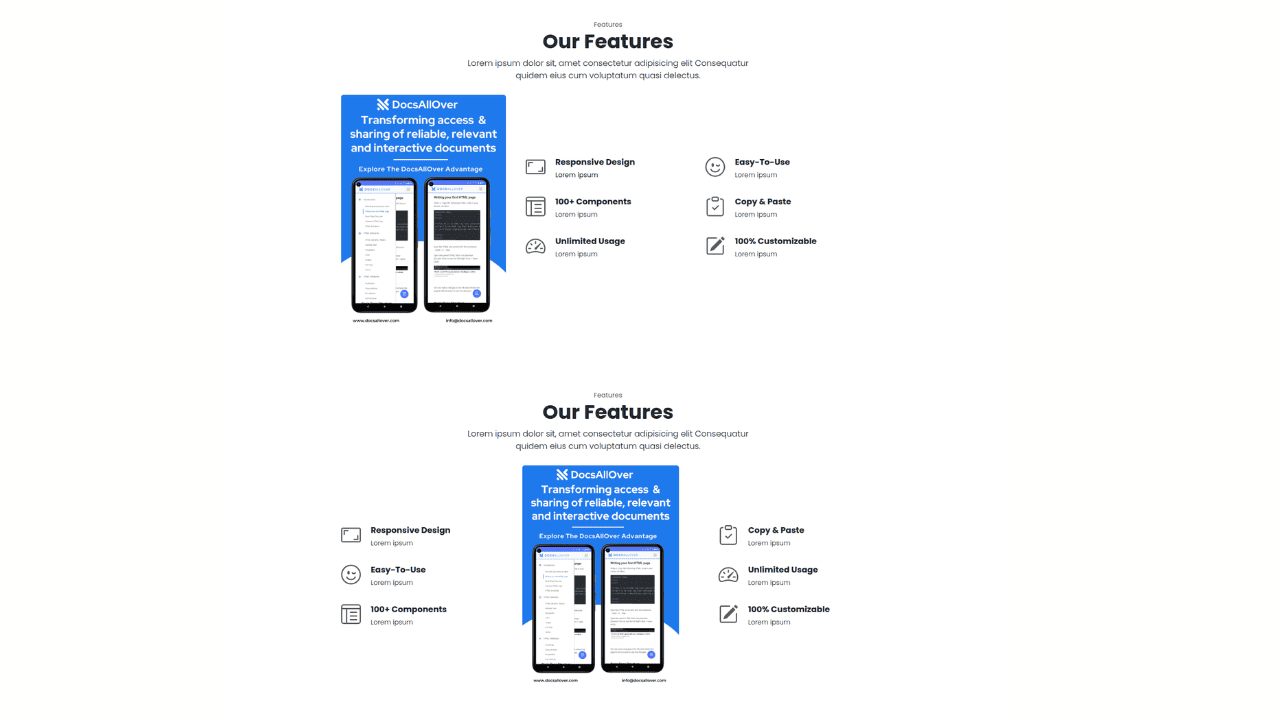
Responsive Bootstrap 5 Detailed Features Section

Responsive CSS-Only Glassmorphism Login Form with background image

Responsive Tailwind CSS Hero Section and Adaptive Navbar
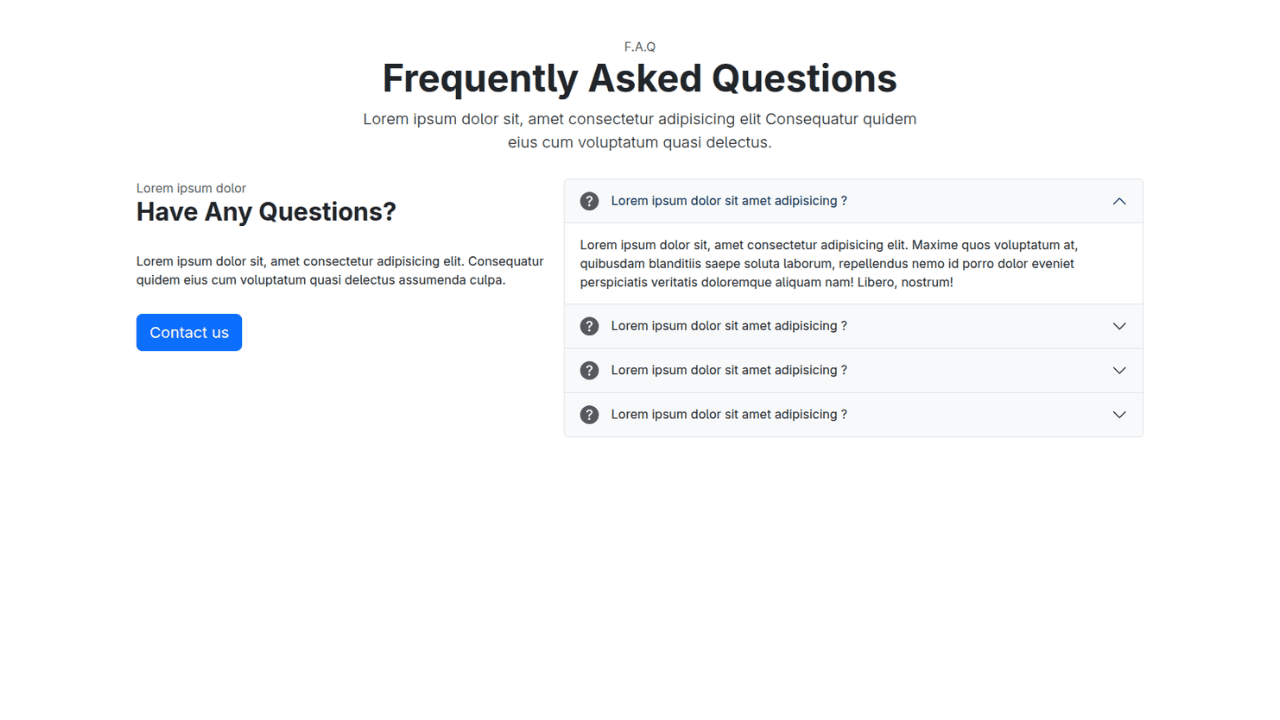
Responsive Bootstrap 5 Compact FAQ Accordion Display

Responsive CSS Only Services Section with Hover Effects
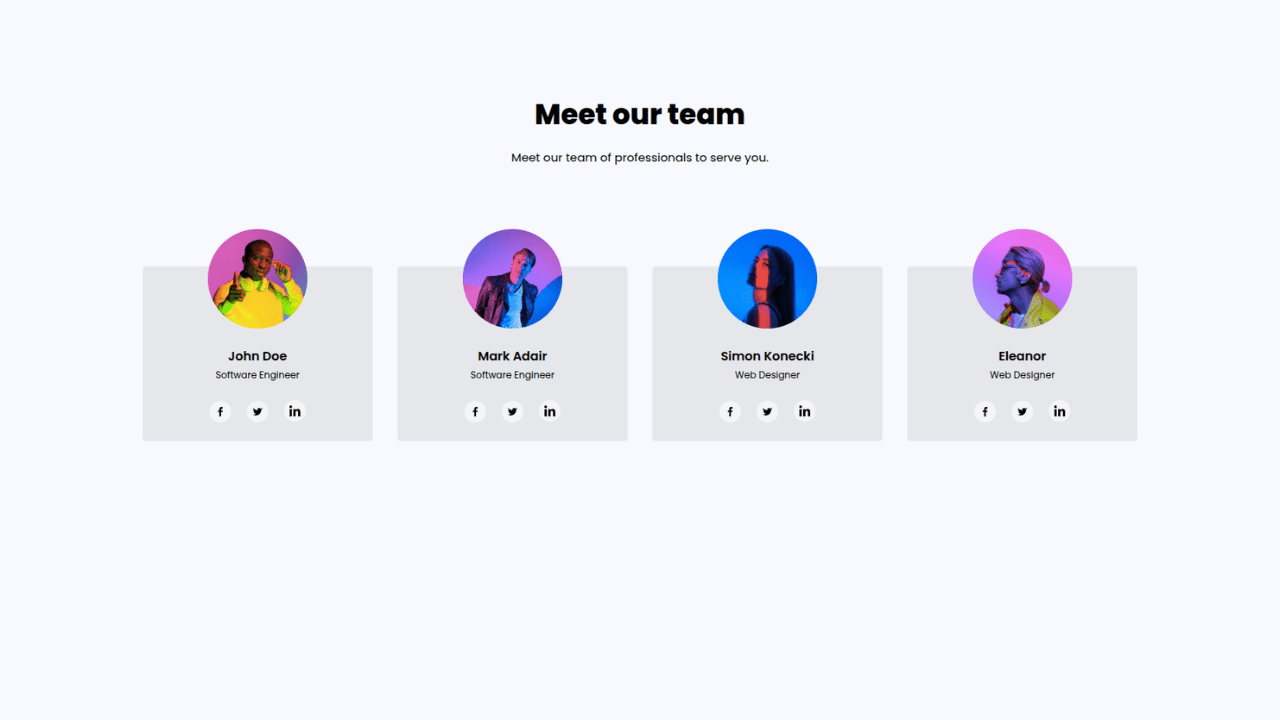
Responsive Tailwind CSS Team Members Display Showcase

Responsive Bootstrap 5 Clear Process Flow Component
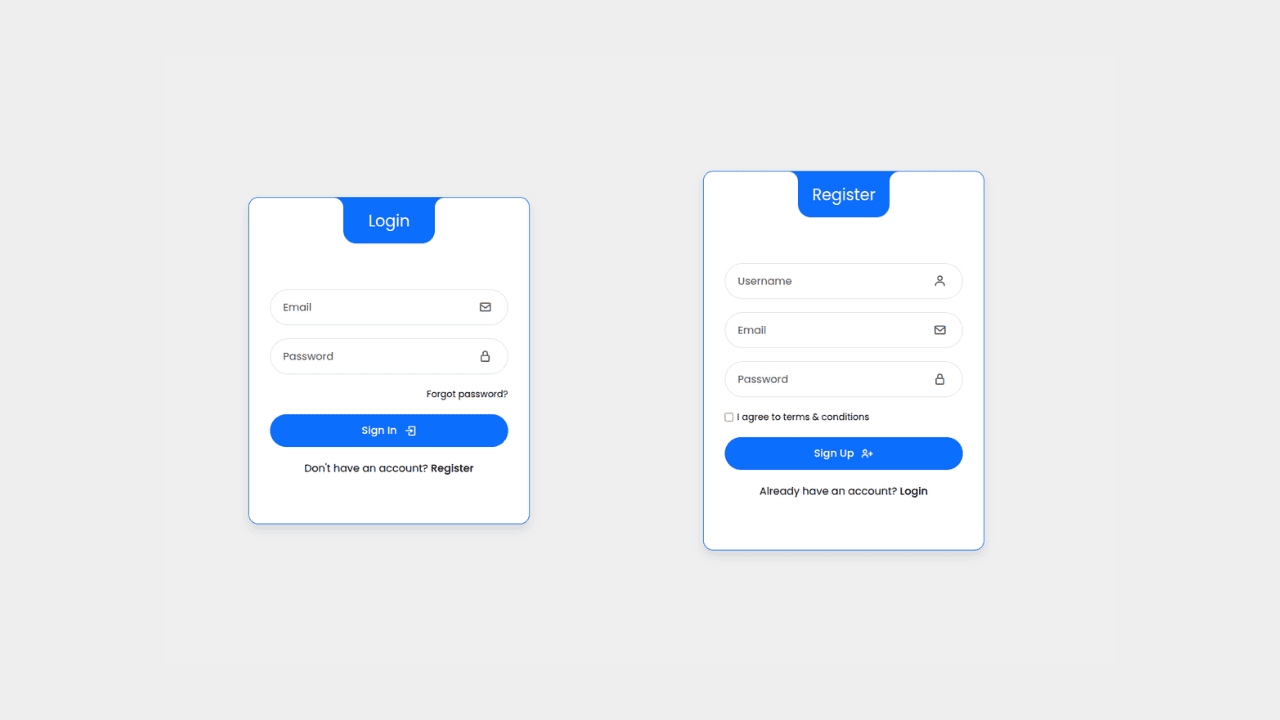
Responsive Interactive Login & Register Form with CSS & JS Transitions
Building Blocks for Your Web Pages
Explore a collection of pre-written HTML,CSS and Javascript
snippets to jumpstart your web development projects.
