Responsive Bootstrap 5 Contact Form with Image Preview and Map
<!DOCTYPE html>
<html lang="en">
<head>
    <meta charset="UTF-8">
    <meta name="viewport" content="width=device-width, initial-scale=1.0">
    <title>Responsive Bootstrap 5 Contact Form with Image Preview and Map</title>
    <!-- Bootstrap CSS -->
    <link href="https://cdn.jsdelivr.net/npm/bootstrap@5.3.0/dist/css/bootstrap.min.css" rel="stylesheet">
    <!-- Google Fonts (Inter) -->
    <link href="https://fonts.googleapis.com/css2?family=Inter:wght@300;400;500;600;700&display=swap" rel="stylesheet">
    <!-- Font Awesome for Icons -->
    <link rel="stylesheet" href="https://cdnjs.cloudflare.com/ajax/libs/font-awesome/6.0.0-beta3/css/all.min.css">
</head>
<body>
    <div class="card card-custom" style="margin-top:30rem;">
        <div class="row g-0">
            <div class="col-md-7 order-md-1 order-2">
                <div class="form-section">
                    <h2 class="mb-3 fw-bold text-dark">Get in touch</h2>
                    <p class="mb-4 text-secondary">
                        Need assistance or have a question? <br> Reach out to us directly through the form below.
                    </p>

                    <form>
                        <div class="mb-3">
                            <label for="contactName" class="form-label visually-hidden">Contact name</label>
                            <input type="text" class="form-control" id="contactName" placeholder="Contact name">
                        </div>
                        <div class="row mb-3">
                            <div class="col-md-6 mb-3 mb-md-0">
                                <label for="street" class="form-label visually-hidden">Street</label>
                                <input type="text" class="form-control" id="street" placeholder="Street">
                            </div>
                            <div class="col-md-6">
                                <label for="city" class="form-label visually-hidden">City</label>
                                <input type="text" class="form-control" id="city" placeholder="City">
                            </div>
                        </div>
                        <div class="row mb-3">
                            <div class="col-md-6 mb-3 mb-md-0">
                                <label for="postcode" class="form-label visually-hidden">Postcode</label>
                                <input type="text" class="form-control" id="postcode" placeholder="Postcode">
                            </div>
                            <div class="col-md-6">
                                <label for="contactPhone" class="form-label visually-hidden">Contact Phone</label>
                                <input type="tel" class="form-control" id="contactPhone" placeholder="Contact Phone">
                            </div>
                        </div>
                        <div class="mb-4">
                            <label for="email" class="form-label visually-hidden">E-mail</label>
                            <input type="email" class="form-control" id="email" placeholder="E-mail">
                        </div>

                        <div class="mb-4">
                            <label for="ideaDescription" class="form-label text-secondary">Let's talk about your idea</label>
                            <textarea class="form-control" id="ideaDescription" rows="3" placeholder=""></textarea>
                        </div>

                        <div class="mb-4">
                            <div class="upload-box" id="uploadBox">
                                <input type="file" id="fileUpload" class="d-none" accept="image/*">
                                <label for="fileUpload" class="w-100 h-100 d-flex flex-column justify-content-center align-items-center cursor-pointer">
                                    <img id="imagePreview" class="preview-image mb-2" src="" alt="Image Preview">
                                    <div class="upload-text">
                                        <i class="fas fa-cloud-arrow-up mb-2"></i>
                                        <span class="d-block">Upload Additional File</span>
                                        <small class="d-block mt-1">Accept files. File size of your documents should not exceed 10MB.</small>
                                    </div>
                                </label>
                            </div>
                        </div>

                        <div class="form-check mb-4">
                            <input class="form-check-input" type="checkbox" value="" id="protectData">
                            <label class="form-check-label text-secondary" for="protectData">
                                I agree to the terms and conditions
                            </label>
                        </div>

                        <div class="d-grid mb-5">
                            <button type="submit" class="btn btn-primary-custom text-white">SUBMIT</button>
                        </div>
                    </form>

                    <div class="row contact-info-group">
                        <div class="col-md-4 mb-3 mb-md-0">
                            <div class="contact-info-item">
                                <i class="fas fa-phone-alt"></i>
                                <p>Phone</p>
                            </div>
                        </div>
                        <div class="col-md-4 mb-3 mb-md-0">
                            <div class="contact-info-item">
                                <i class="fas fa-envelope"></i>
                                <p>E-MAIL</p>
                            </div>
                        </div>
                        <div class="col-md-4">
                            <div class="contact-info-item">
                                <i class="fas fa-headset"></i>
                                <p>HELPDESK</p>
                            </div>
                        </div>
                    </div>
                </div>
            </div>
            <div class="col-md-5 order-md-2 order-1">
                <div class="map-section">
                    <iframe frameborder="0" src="https://www.google.com/maps/embed/v1/place?q=ney+york&key=AIzaSyBFw0Qbyq9zTFTd-tUY6dZWTgaQzuU17R8"></iframe>

                </div>
            </div>
        </div>
    </div>

    <!-- Bootstrap JS Bundle (Popper included) -->
    <script src="https://cdn.jsdelivr.net/npm/bootstrap@5.3.0/dist/js/bootstrap.bundle.min.js"></script>
</body>
</html>
body {
    font-family: 'Inter', sans-serif;
    background-color: #f0f2f5;
    /* Light grey background */
    display: flex;
    justify-content: center;
    align-items: center;
    min-height: 100vh;
    padding: 20px;
}

.card-custom {
    border-radius: 20px;
    /* Rounded corners for the entire card */
    box-shadow: 0 10px 30px rgba(0, 0, 0, 0.08);
    /* Soft shadow */
    overflow: hidden;
    /* Ensure map corner is rounded by clipping content */
    max-width: 1200px;
    width: 100%;
}

.map-section {
    background-color: #6ee7b7;
    /* Light green background for map fallback */
    border-top-right-radius: 20px;
    border-bottom-right-radius: 20px;
    overflow: hidden;
    /* Crucial for clipping the iframe's corners */
    position: relative;
    min-height: 350px;
    /* Ensure map section has some height on larger screens */
    height: 100%;
    /* Make map section take full height of parent card-body row */
}

/* Style for the iframe inside the map section */
.map-section iframe {
    width: 100%;
    height: 100%;
    border: 0;
    /* Remove default iframe border */
    /* Do not apply border-radius directly to iframe if parent has overflow:hidden and desired radius */
    /* The parent's overflow:hidden and border-radius will effectively round the iframe */
}

.form-section {
    padding: 40px;
}

.form-control {
    border-radius: 8px;
    /* Slightly rounded input fields */
    border-color: #e2e8f0;
    padding: 12px 15px;
}

.form-control:focus {
    box-shadow: none;
    border-color: #6366f1;
    /* Indigo focus color */
}

.btn-primary-custom {
    background-color: #6366f1;
    /* Indigo button */
    border-color: #6366f1;
    border-radius: 8px;
    padding: 12px 25px;
    font-weight: 600;
    transition: background-color 0.3s ease;
}

.btn-primary-custom:hover {
    background-color: #4f46e5;
    /* Darker indigo on hover */
    border-color: #4f46e5;
}

.upload-box {
    border: 2px dashed #cbd5e1;
    /* Light grey dashed border */
    border-radius: 8px;
    padding: 20px;
    text-align: center;
    color: #64748b;
    /* Grey text */
    cursor: pointer;
    transition: border-color 0.3s ease;
    position: relative;
    min-height: 120px;
    /* Give it a minimum height */
    display: flex;
    flex-direction: column;
    justify-content: center;
    align-items: center;
}

.upload-box:hover {
    border-color: #94a3b8;
    /* Darker grey on hover */
}

.upload-box img.preview-image {
    max-width: 100%;
    max-height: 100px;
    /* Limit height of preview image */
    border-radius: 8px;
    object-fit: contain;
    display: none;
    /* Hidden by default */
}

.upload-text {
    display: block;
    /* Shown by default */
}

.contact-info-item {
    display: flex;
    align-items: center;
    margin-bottom: 15px;
}

.contact-info-item i {
    color: #6366f1;
    font-size: 20px;
    margin-right: 15px;
    width: 25px;
    /* Fixed width for icon */
    text-align: center;
}

.contact-info-item p {
    margin-bottom: 0;
    font-size: 16px;
    color: #475569;
}

/* Adjustments for smaller screens */
@media (max-width: 767.98px) {
    .map-section {
        border-top-left-radius: 20px;
        /* Apply radius to top-left on small screens */
        border-bottom-left-radius: 20px;
        /* Apply radius to bottom-left on small screens */
        border-top-right-radius: 20px;
        border-bottom-right-radius: 20px;
        height: 300px;
        /* Adjust height for mobile */
        min-height: unset;
        /* Remove min-height override for small screens */
    }

    .form-section {
        padding: 25px;
    }

    .contact-info-group {
        text-align: center;
        margin-top: 30px;
    }

    .contact-info-item {
        justify-content: center;
    }
}
document.addEventListener('DOMContentLoaded', function () {
    const fileUpload = document.getElementById('fileUpload');
    const imagePreview = document.getElementById('imagePreview');
    const uploadText = document.querySelector('#uploadBox .upload-text');

    fileUpload.addEventListener('change', function (event) {
        const file = event.target.files[0]; // Get the first file

        if (file) {
            // Check if the file is an image
            if (file.type.startsWith('image/')) {
                const reader = new FileReader();

                reader.onload = function (e) {
                    // Set the image source
                    imagePreview.src = e.target.result;
                    // Display the image and hide the text
                    imagePreview.style.display = 'block';
                    uploadText.style.display = 'none';
                };

                // Read the file as a Data URL
                reader.readAsDataURL(file);
            } else {
                // Not an image file, reset the preview and show text
                imagePreview.src = '';
                imagePreview.style.display = 'none';
                uploadText.style.display = 'block';
                // Optionally, you could add a message to the user that only images are supported
            }
        } else {
            // No file selected, hide the image and show the text
            imagePreview.src = '';
            imagePreview.style.display = 'none';
            uploadText.style.display = 'block';
        }
    });
});
This Bootstrap 5 snippet showcases a comprehensive and fully responsive contact form, featuring an integrated image preview functionality for user uploads and a dynamic map iframe.
Key Features:
- Responsive Design: The entire contact section, including the form, image preview, and map, adapts fluidly to different screen sizes, ensuring optimal usability and presentation on desktops, tablets, and mobile devices.
- Image Preview: Integrates a client-side image preview, allowing users to see a thumbnail of their uploaded image before submission, improving the user experience.
- Interactive Map: Includes an iframe for embedding an interactive map (e.g., Google Maps, OpenStreetMap), enabling users to easily visualize a location or find directions directly on the contact page.
- Comprehensive Form Fields: Features essential input fields (e.g., name, email, message, address details, contact number) to gather detailed user inquiries.
Implementation:
- Include Bootstrap 5: Ensure Bootstrap 5 CSS and JavaScript files are included in your project.
- Create the HTML Structure: Set up the basic HTML structure for the contact section, typically using Bootstrap's grid system to arrange the form, image preview area, and map iframe.
- Implement Image Preview: Use HTML (<input type="file">) and JavaScript (for FileReader API) to handle image selection and display a preview.
- Embed Map Iframe: Insert an <iframe> tag with the appropriate src attribute pointing to your desired map service (e.g., Google Maps embed URL).
- Apply Bootstrap Classes: Use Bootstrap's form classes (e.g., form-control, form-label, btn), grid classes (e.g., col-md-6, row), and utility classes for responsive behavior and styling.
By following these steps, you can create a robust, responsive, and visually appealing contact section within your Bootstrap 5 projects, significantly enhancing user engagement and providing comprehensive communication tools.

Join Our Community Call-to-Action Banner Section With Tailwind CSS

Bootstrap 5 Responsive Service Pricing Table Block

Owl Carousel Responsive CSS-Only Team Section Showcase

Tailwind CSS Subscribe Container with Integrated Footer
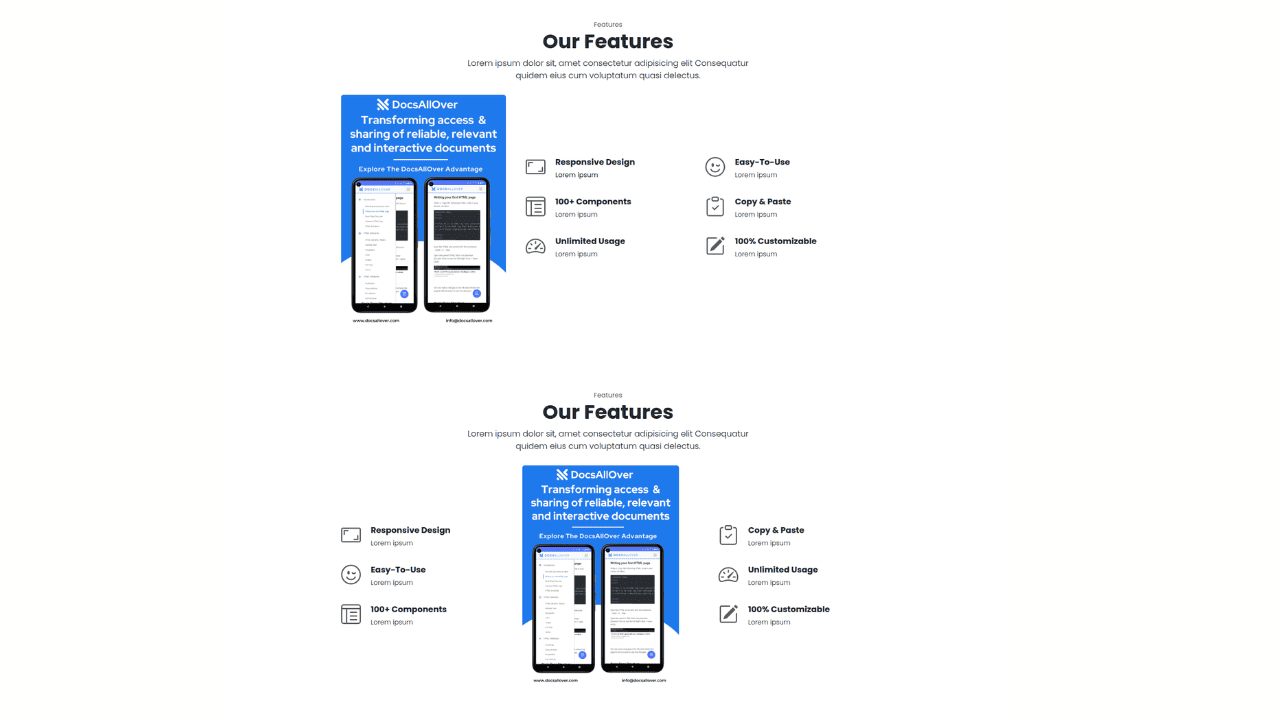
Responsive Bootstrap 5 Detailed Features Section
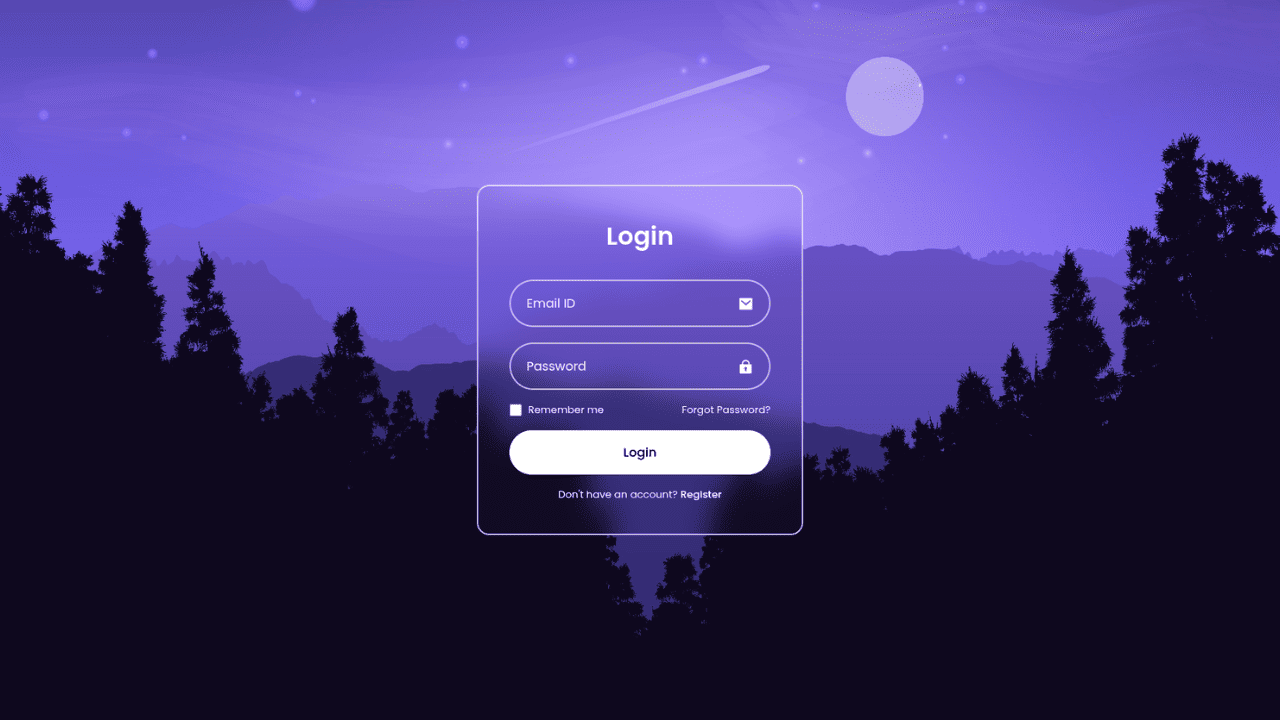
Responsive CSS-Only Glassmorphism Login Form with background image
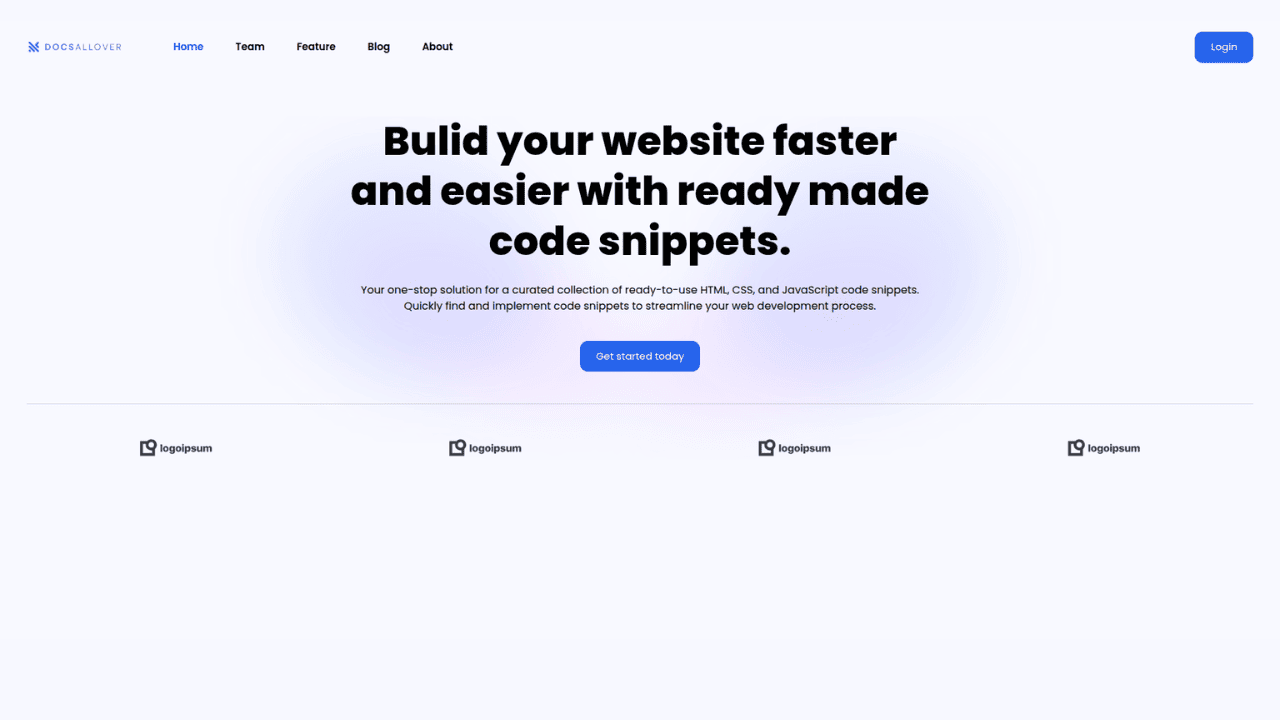
Responsive Tailwind CSS Hero Section and Adaptive Navbar
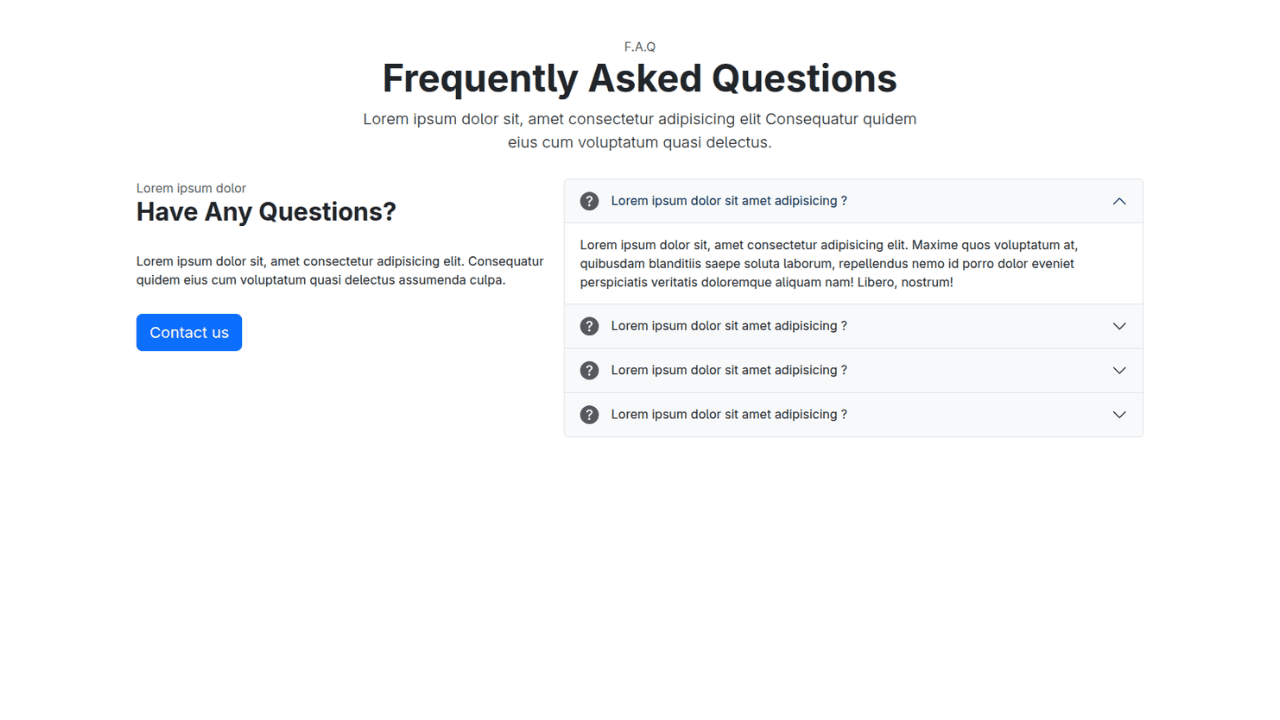
Responsive Bootstrap 5 Compact FAQ Accordion Display

Responsive CSS Only Services Section with Hover Effects
Responsive Tailwind CSS Team Members Display Showcase
Responsive Bootstrap 5 Clear Process Flow Component
Responsive Interactive Login & Register Form with CSS & JS Transitions
Building Blocks for Your Web Pages
Explore a collection of pre-written HTML,CSS and Javascript
snippets to jumpstart your web development projects.
